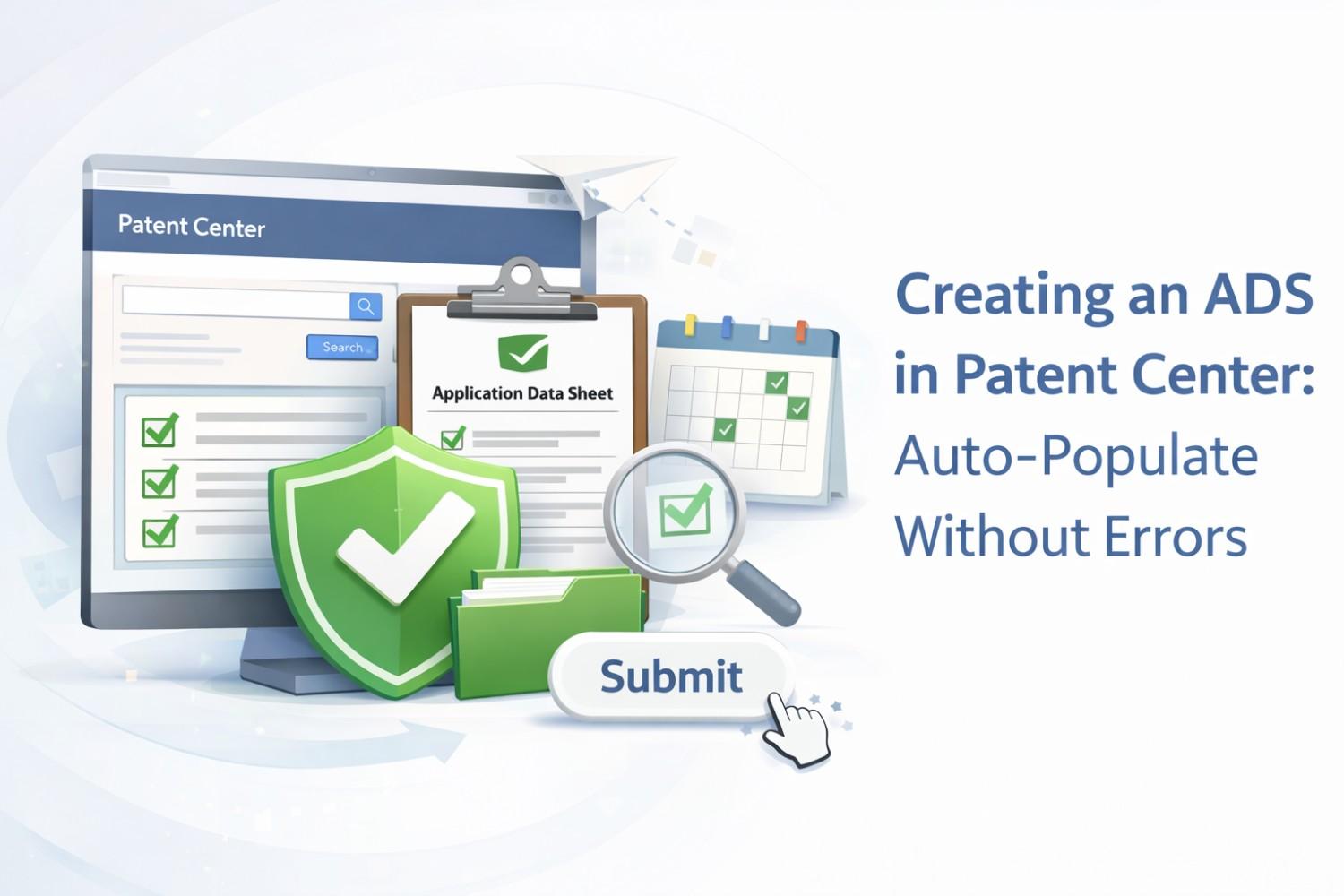
Creating an ADS in Patent Center sounds simple until it breaks your filing at the worst possible time. One small mismatch, one missing field, and suddenly your application is stuck, delayed, or worse, rejected. This article is about fixing that problem for good. We are going to walk through how to create an Application Data Sheet that auto-populates cleanly, stays accurate, and does not trigger errors in Patent Center. No legal fog. No filler. Just clear, practical guidance you can use right away. If you are a founder or engineer filing your own patent, this step matters more than most people realize.
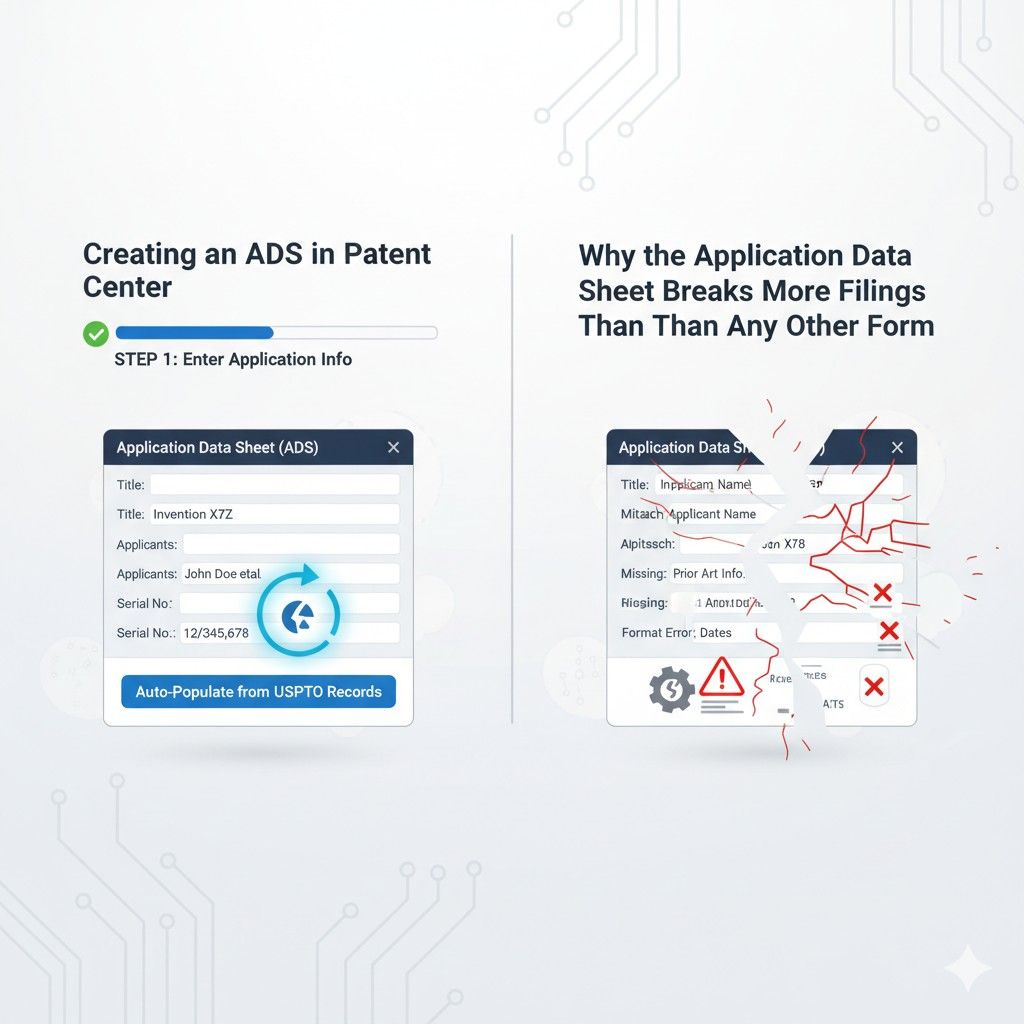
Why the Application Data Sheet Breaks More Filings Than Any Other Form
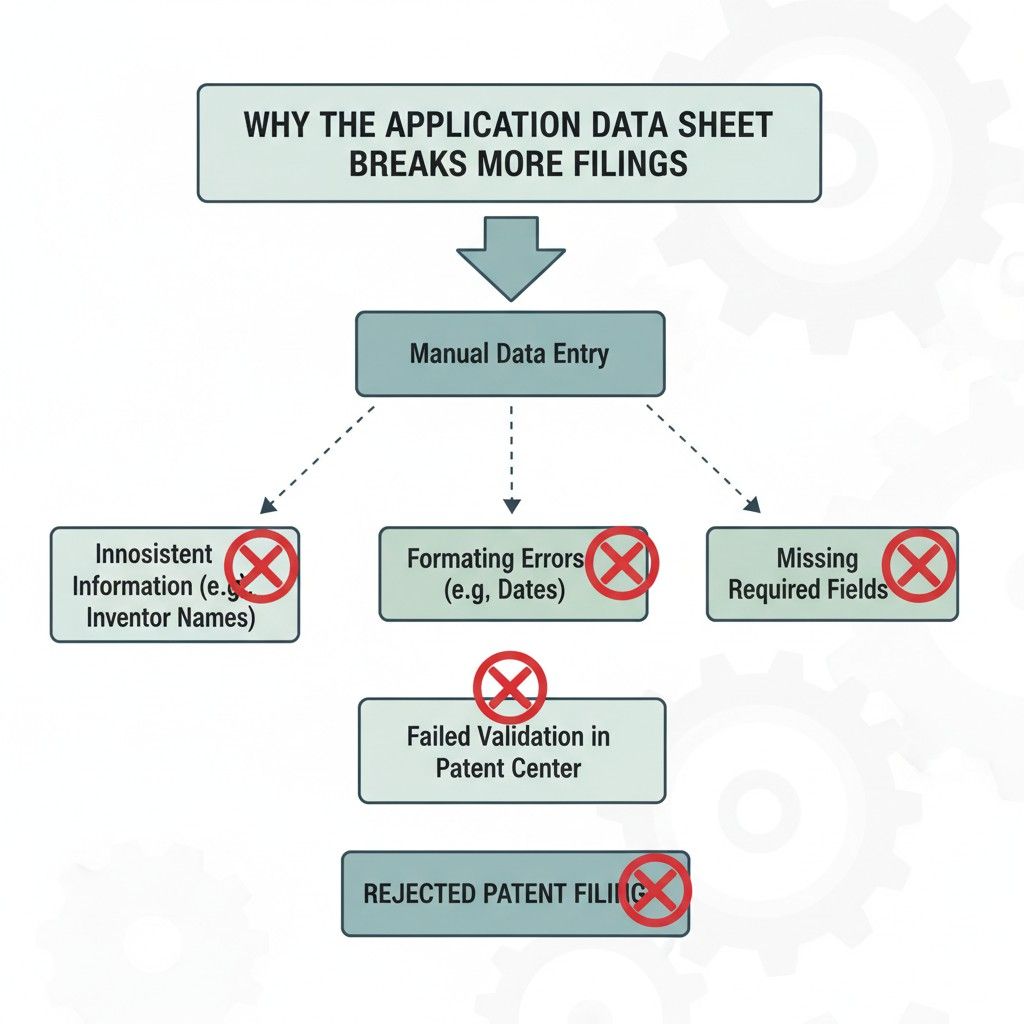
The Application Data Sheet looks harmless. It feels like basic paperwork. Names, addresses, titles, priorities. Nothing complex. That false sense of safety is exactly why it causes so many filings to fail.
Businesses move fast, teams divide work, and the ADS quietly becomes the single place where small mismatches turn into real legal problems.
This section explains why that happens and how smart teams avoid it before hitting submit.
The ADS Is the Source of Truth Even When You Do Not Realize It
Most founders assume the main patent document controls everything. In reality, Patent Center treats the ADS as the master record.
Examiner systems, internal USPTO databases, and future citations often pull directly from the ADS, not from the specification you spent weeks polishing.
That means if the inventor name is spelled one way in your draft and another way in the ADS, the ADS usually wins. If a priority date is right in the spec but missing in the ADS, the system may act as if it does not exist.
Businesses get hurt here because the mistake does not always show up immediately. It can surface months later when fixing it is slow and expensive.
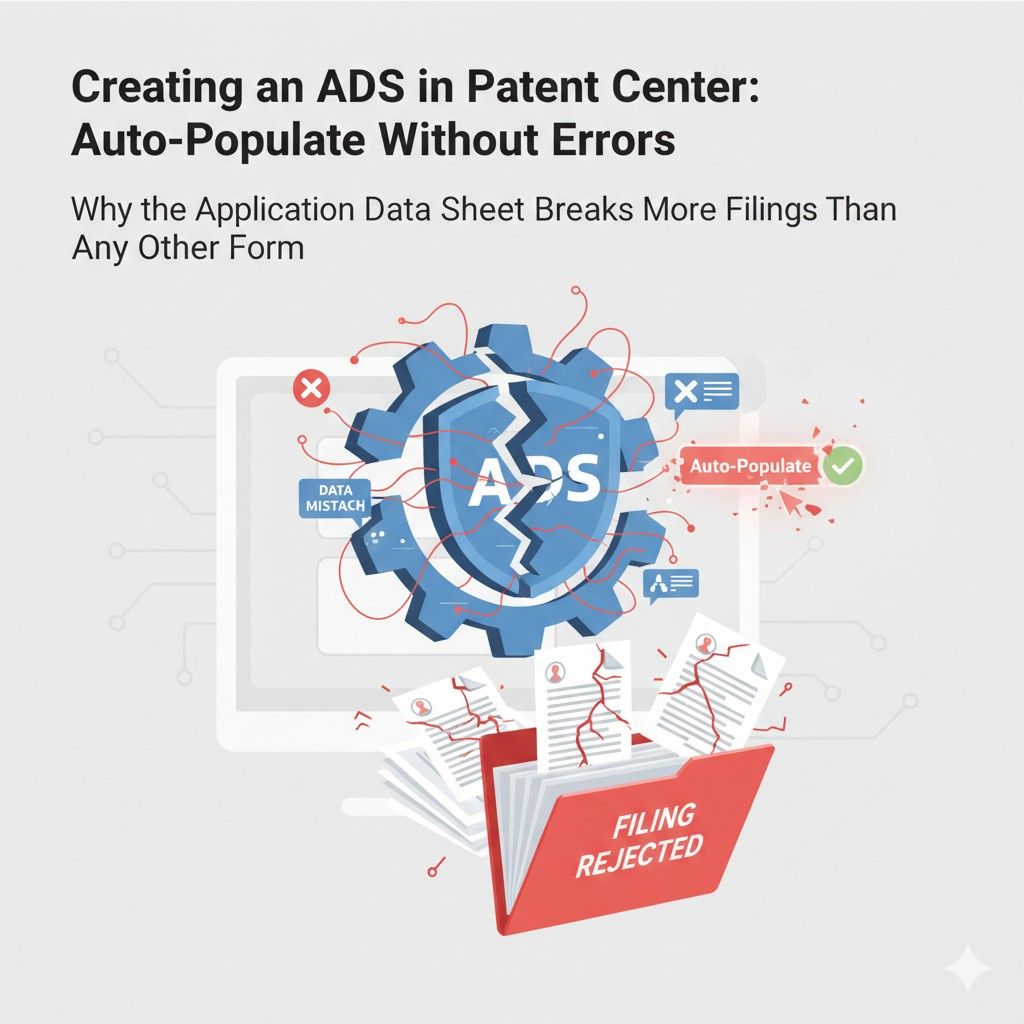
A practical move is to treat the ADS as the first document you finalize, not the last. Build it from verified data and then force every other document to match it exactly. When teams do this early, downstream errors almost disappear.
Auto-Population Can Lock in Bad Data Instantly
Patent Center tries to help by auto-filling fields based on earlier inputs. This is useful only if the first data entered is perfect. When it is not, the system happily spreads that mistake everywhere.
For example, if an inventor address is entered casually during account setup, that same address may later auto-fill the ADS.
The filer often assumes it was reviewed already. It was not. Now the wrong data is saved in a document that controls the application.
The best way to handle auto-population is to slow it down on purpose. Before allowing Patent Center to carry data forward, businesses should manually confirm every source field.
If something feels repetitive, that is usually the system copying earlier data. That is the moment to stop and check, not rush.
This is one of the reasons PowerPatent builds structured invention records first, then generates the ADS from a clean source, with attorney review before anything is locked. You can see how that workflow works at https://powerpatent.com/how-it-works.
Inventor Details Are More Fragile Than They Appear
Inventor information breaks filings more often than titles or abstracts. The reason is simple. Human names are messy.
Middle initials come and go. Legal names differ from everyday names. Addresses change. Citizenship details are often guessed instead of confirmed.
Patent Center does not guess. It expects precision. If the ADS lists a different name format than other documents, the filing can be flagged. If inventorship needs to be corrected later, the process is formal and slow.
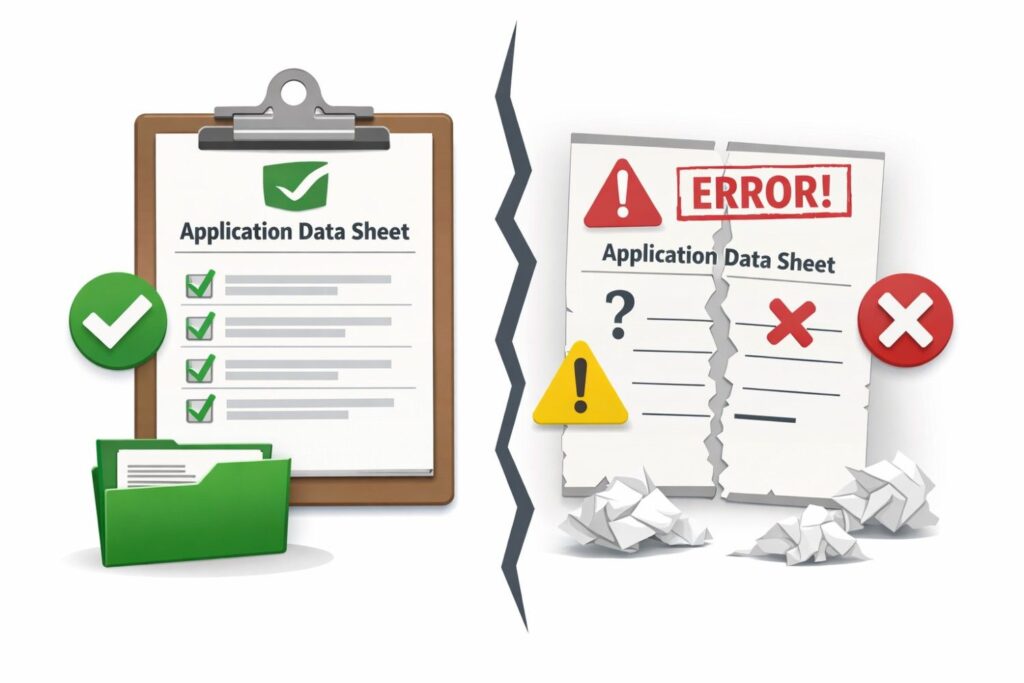
Businesses should freeze inventor data early and treat it like code in production. No casual edits. No assumptions. Every inventor should confirm their full legal name and current address in writing before the ADS is created. Doing this once saves weeks later.
Priority Claims Are Where Silent Damage Happens
Priority data is one of the most valuable parts of a patent application. It can decide whether your invention beats a competitor or not.
The danger is that Patent Center does not always scream when priority information is missing or slightly wrong.
An incorrect application number or filing date may still allow submission. The damage shows up later during examination or enforcement. At that point, fixing it can be impossible.
Businesses should never rely on memory or copied text for priority claims. The safest approach is to pull priority details directly from official filing receipts and enter them carefully into the ADS.
Then pause and review them again as if you were trying to break your own filing. That mindset catches most issues.
Entity Status Mistakes Create Cost and Compliance Problems
The ADS locks in entity status. Small entity, micro entity, or large entity selections affect fees and legal obligations. Many startups pick a status quickly without thinking through current ownership, funding, or employee count.
If the ADS reflects the wrong status, the filing may be underpaid or misclassified. Fixing that later can require extra filings and fees, and in some cases can raise compliance questions.
A smart business move is to treat entity status as a finance decision, not a form field.
Confirm it with whoever understands your cap table and funding history before submitting the ADS. This step is often skipped and later regretted.
The ADS Does Not Like Last-Minute Changes
Founders often tweak things at the last minute. A title change. An inventor order swap. A small address update. The problem is that Patent Center does not always propagate those changes cleanly once the ADS is generated.
Last-minute edits increase the chance of mismatch errors between the ADS and other documents. The system may allow submission but store conflicting data internally.
The safest approach is to set a hard internal freeze point. Once the ADS is generated, no changes unless absolutely required. If a change is needed, regenerate the ADS instead of editing fields in isolation.
Businesses Underestimate How Hard Corrections Are
Many teams assume mistakes can be fixed easily later. That belief is costly. Corrections to the ADS often require formal submissions, explanations, and waiting. During that time, prosecution can stall.
What looks like a small clerical error can turn into months of delay. For startups moving fast, that delay can matter during fundraising, partnerships, or acquisitions.
The real strategy is prevention. Build a process that assumes corrections are painful and designs them out from the start.
This is exactly why PowerPatent combines software checks with human attorney review before filing, so these problems never reach Patent Center in the first place. Learn more at https://powerpatent.com/how-it-works.
The ADS Is Not Just a Form, It Is a Commitment
Once filed, the ADS represents your official story to the USPTO. It is referenced again and again throughout the life of the patent. Treating it as routine paperwork is the root cause of most problems.
Businesses that win treat the ADS like a contract. They review it calmly, deliberately, and with full context. They understand that accuracy here protects speed, money, and leverage later.
If you want to move fast without risking errors, the safest path is to use a system designed to catch these issues before submission. That is exactly what PowerPatent was built for. You can see how it works at https://powerpatent.com/how-it-works.
How Patent Center Auto-Populates ADS Data and Where Errors Really Come From
Auto-population inside Patent Center feels like a shortcut. For busy founders and teams, it looks like free speed. Fields fill themselves, names appear automatically, and it feels like the system already knows what you want. That feeling is dangerous.
Auto-population does not think. It only copies. And when it copies from the wrong place, errors multiply fast.
This section breaks down how auto-population actually works, why it fails so often, and how businesses can control it instead of being surprised by it.
Auto-Population Is Memory, Not Intelligence
Patent Center does not verify what it auto-fills. It remembers what was entered before and repeats it. If the first entry was rushed, outdated, or incomplete, the system will confidently reuse that data across the ADS.
Many businesses assume auto-population means the USPTO is validating their inputs. That is not the case.
The system does not check spelling consistency, legal name formats, or whether an address is current. It simply pulls from saved profiles, previous filings, or earlier steps in the same submission.
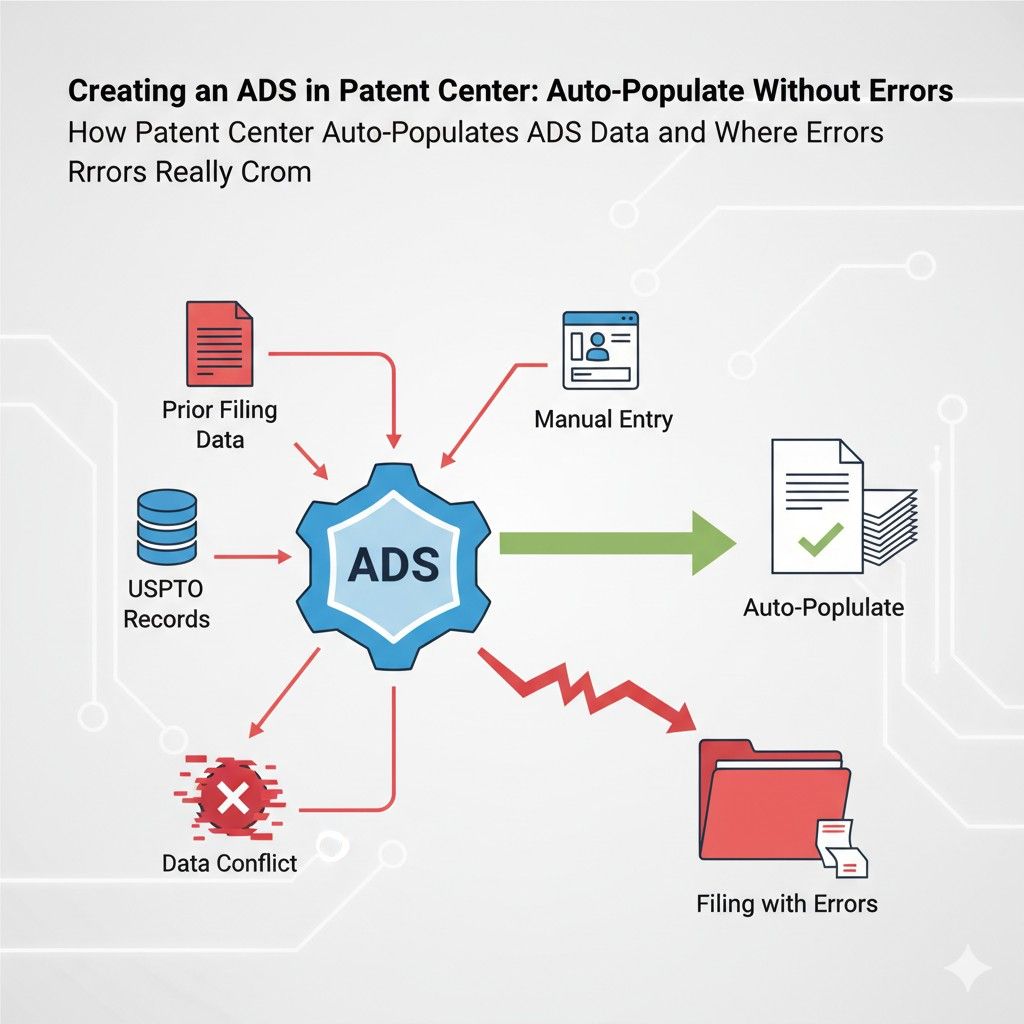
The safest mindset is to treat every auto-filled field as unverified. When teams slow down and manually read every auto-populated line, error rates drop sharply. Speed comes from avoiding rework later, not from clicking faster now.
Account Profiles Quietly Influence the ADS
One hidden source of problems is the Patent Center account itself. When an account is created, basic information is entered to get started. That data often becomes the default source for later filings.
If an inventor or filer updated their address years ago but never changed it in the account profile, that old address can reappear in a brand-new ADS. The system does not warn you. It assumes continuity.
Businesses should review and clean account-level data before starting a new application. This includes names, addresses, and contact details. Doing this once per filing cycle prevents the same mistake from appearing again and again.
Copying From Drafts Can Create Conflicts
Patent Center allows users to copy data from earlier drafts or related applications. This feature is helpful when used carefully. It becomes risky when the copied application had unresolved issues.
For example, a provisional filing may have placeholder titles or informal inventor descriptions. If that data is copied into a non-provisional ADS without review, the placeholder becomes permanent.
The key action here is to treat copied data as raw input, not final truth. Every copied field should be reread as if it were typed fresh. Businesses that skip this step often discover conflicts only after filing.
Small Formatting Differences Trigger Big Problems
Auto-population preserves formatting exactly. Extra spaces, missing punctuation, or inconsistent capitalization all carry forward. While these may seem minor, they can create mismatches between documents.
A common example is an inventor name entered once with a middle initial and once without.
Auto-population will happily keep both versions alive in different places. The result is a filing that looks inconsistent to examiners and internal systems.
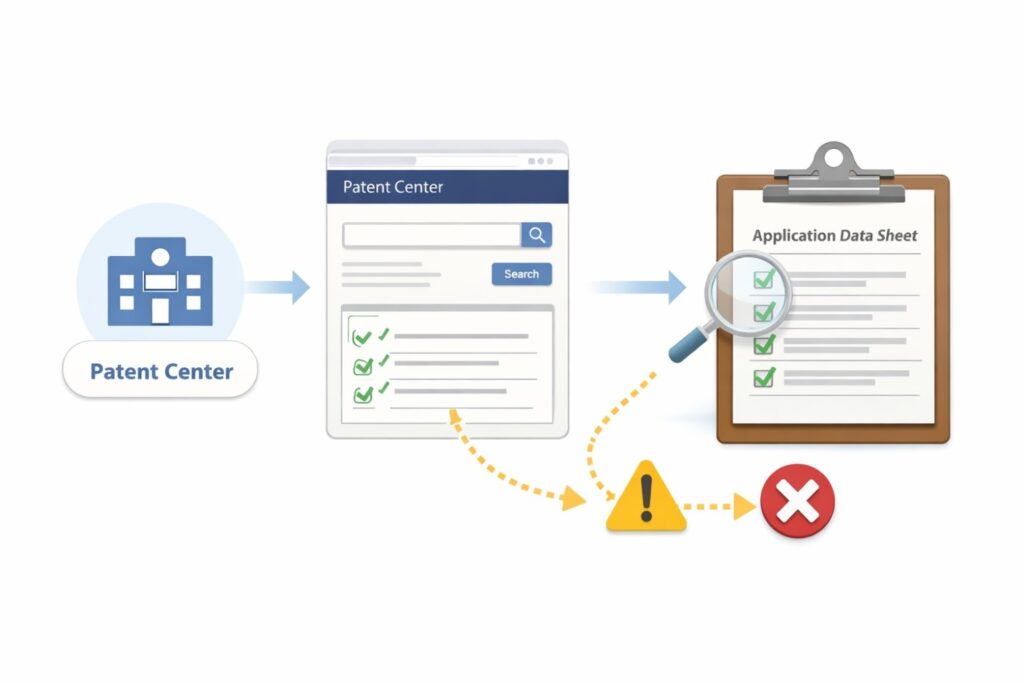
The practical fix is consistency discipline. Pick one format for names, addresses, and titles and use it everywhere. When auto-populated data does not match that format, overwrite it manually.
The Order of Data Entry Matters More Than Expected
Patent Center builds context as you move through the filing process. Data entered early influences what appears later. If early entries are tentative, later auto-population spreads that uncertainty.
Many businesses jump ahead to see later screens, enter rough data to get through, and plan to fix it later. Auto-population makes that plan risky because the rough data becomes embedded across the ADS.
A better approach is linear accuracy. Enter final, confirmed data at each step before moving forward. This feels slower but prevents the system from amplifying early guesses.
Auto-Population Masks Missing Information
One subtle problem is that auto-population can make an ADS look complete when it is not. Fields are filled, screens look finished, and users assume nothing is missing.
In reality, some required information may never have been entered at all. The system filled related fields but left gaps that only appear during submission checks or after filing.
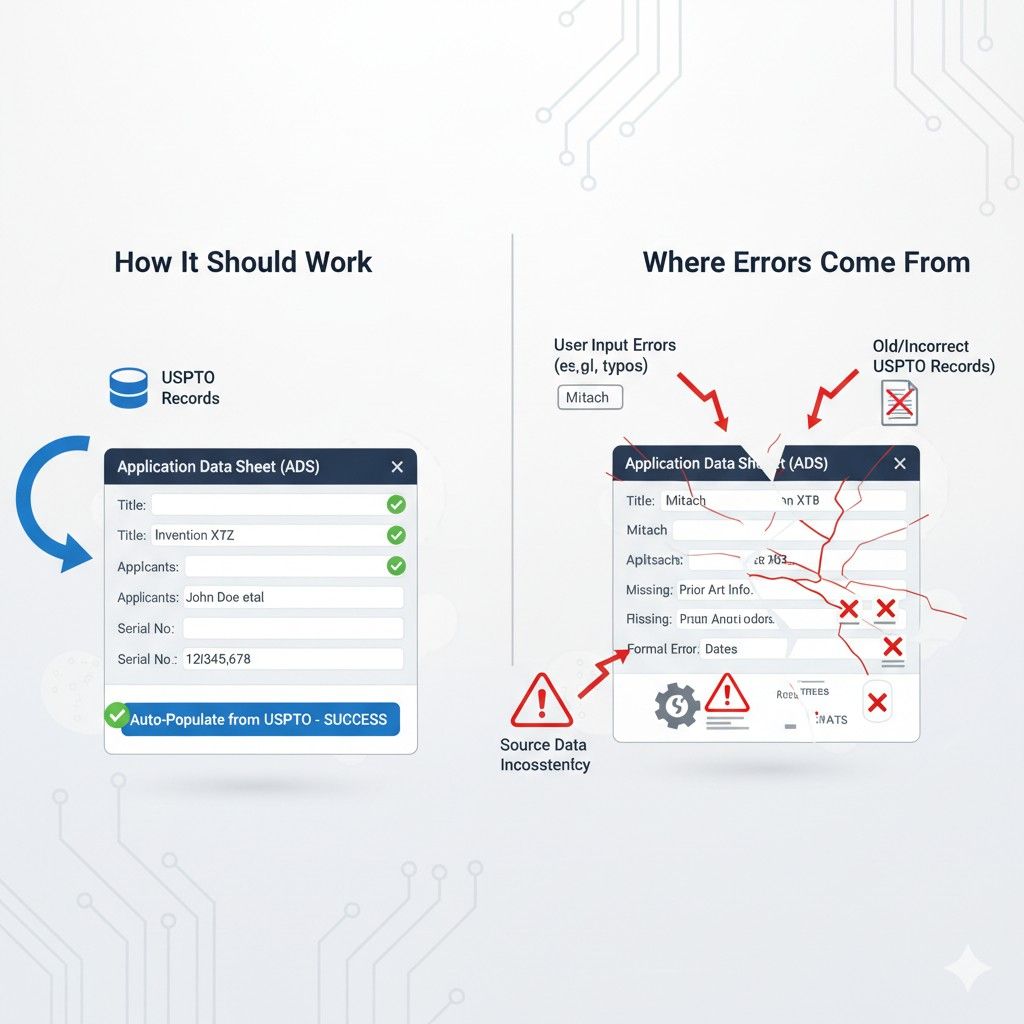
Businesses should review the ADS as a whole document, not just screen by screen. Reading it end to end reveals missing context and incomplete sections that auto-population hides.
Teams Create Errors Without Talking to Each Other
In many startups, different people touch the filing. One person sets up the account. Another enters inventor data. A third uploads documents. Auto-population stitches all of this together without coordination.
If the team is not aligned on exact data, the ADS becomes a patchwork. No single person intended the errors, but the system combined them.
A strong tactic is to assign one owner for ADS data. That person reviews everything before submission, regardless of who entered it. Ownership reduces fragmentation.
Auto-Population Does Not Understand Business Changes
Startups change fast. New funding, new addresses, new ownership structures. Auto-population assumes stability. It does not adapt to business reality.
If your entity status or correspondence address changed recently, auto-populated data may reflect an earlier stage of the company. Filing with outdated business information can create compliance and fee issues later.
Before generating the ADS, businesses should pause and ask one question: does this data reflect who we are today, not who we were last year. If the answer is unclear, manual review is required.
Why Manual Review Is Not Optional
Auto-population is a tool, not a safeguard. It saves typing but does not save you from mistakes. The belief that software will catch errors is the root cause of many broken filings.
High-performing teams build review into their process. They expect auto-population to be wrong sometimes and plan for that. They read slowly, confirm details, and treat the ADS as a final product, not a draft.
This is exactly where PowerPatent adds value. The platform structures data first, then generates the ADS, and then has a real patent attorney review it before submission.
That combination removes the blind spots auto-population creates. You can see how that works at https://powerpatent.com/how-it-works.
Turning Auto-Population Into an Advantage
When controlled properly, auto-population can actually improve accuracy. Clean source data, consistent formats, and clear ownership turn it into a speed multiplier instead of a risk.
The difference between failure and success is intention. Businesses that understand how auto-population works use it deliberately. Those that assume it will protect them learn the hard way.
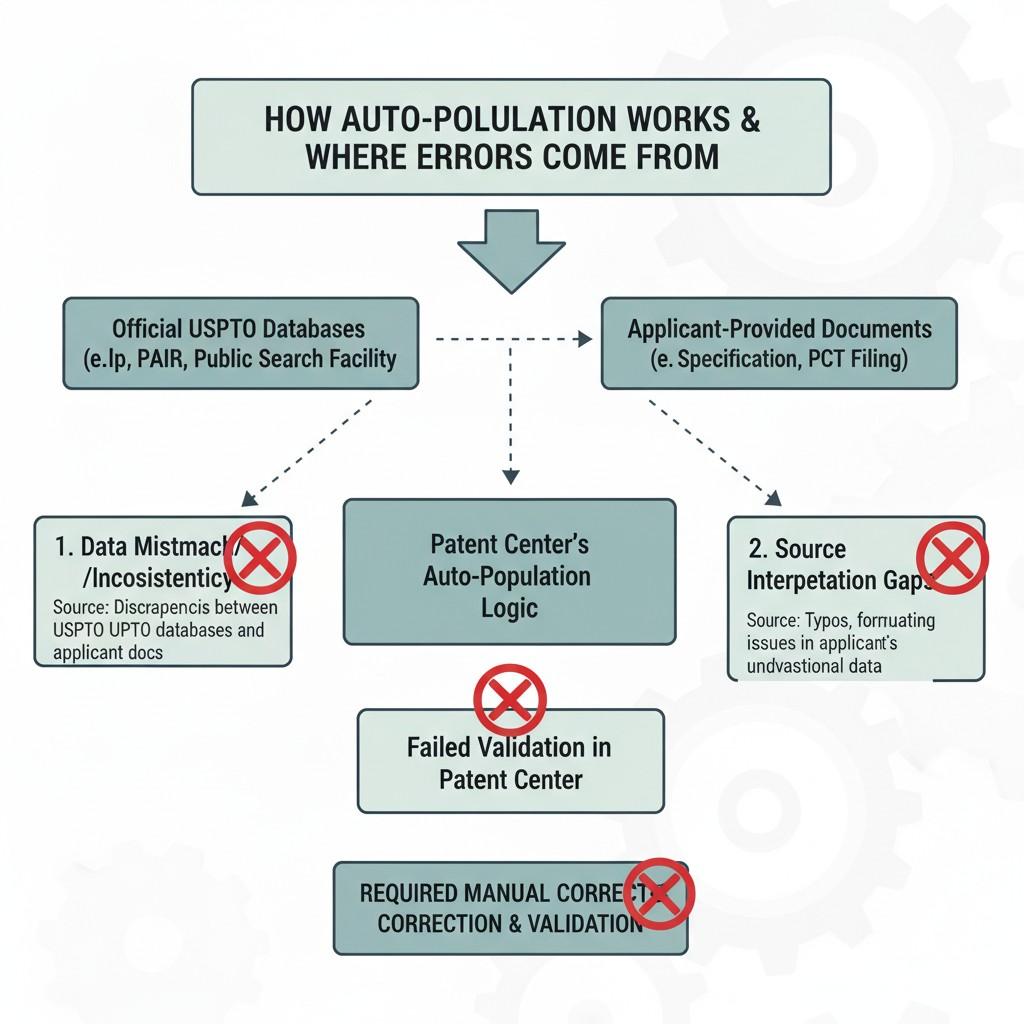
If you want to keep moving fast without ADS surprises, build a process that respects how Patent Center really behaves. Or use a system designed to do that for you, like PowerPatent.
Setting Up Your ADS So It Stays Clean, Accurate, and Submission-Ready
Most ADS problems do not come from misunderstanding the law. They come from weak setup. When the foundation is sloppy, everything built on top of it shakes.
This section focuses on how businesses can set up their ADS in a way that keeps it stable from the first draft through submission and beyond. The goal is not perfection through effort, but reliability through structure.
Start With One Clean Source of Truth
The biggest mistake businesses make is pulling ADS data from many places at once. A name from an email signature, an address from a pitch deck, a title from a draft document.
Each source may be slightly different. Patent Center does not reconcile those differences.
The smartest move is to create one clean internal record before touching Patent Center.
This can be a simple internal document or system that contains final versions of inventor names, addresses, entity details, and priority information. Every field should be confirmed and frozen there first.
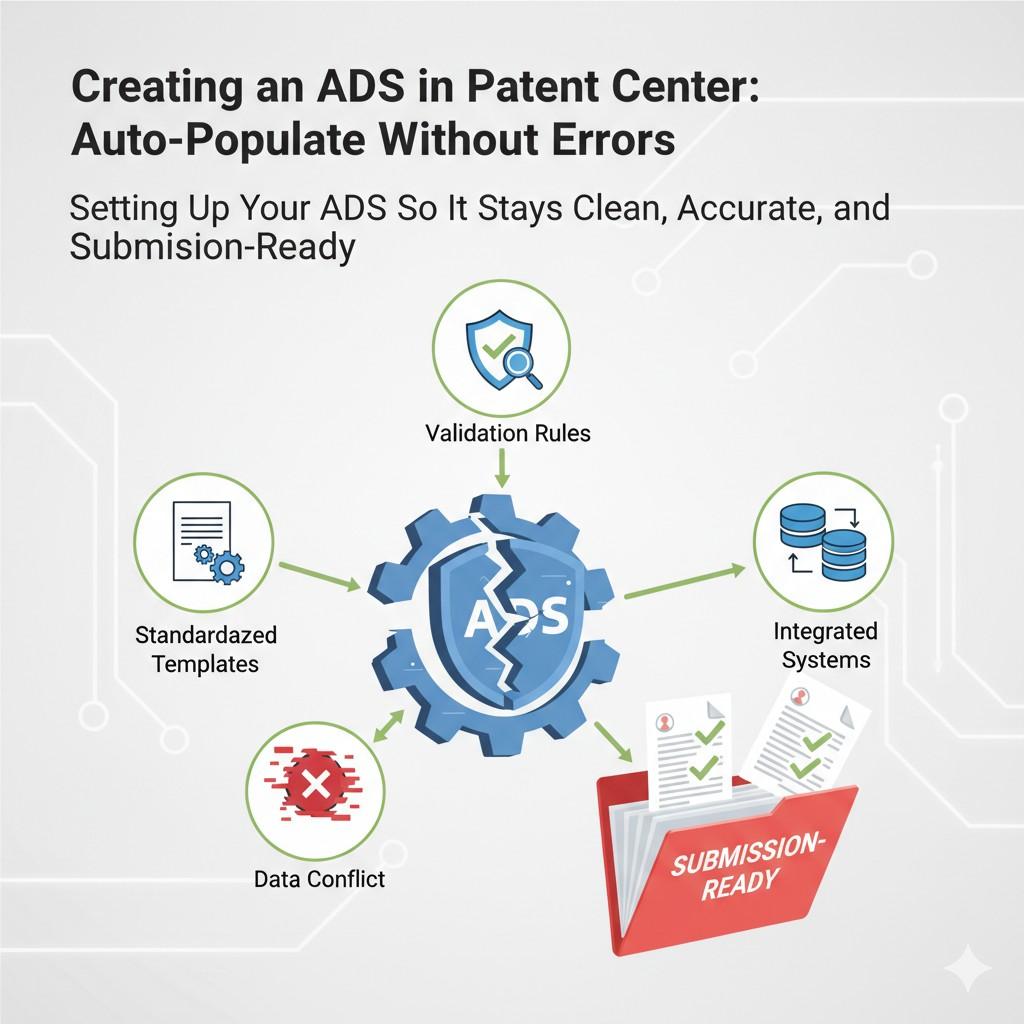
Once that source exists, the ADS becomes a transfer exercise instead of a guessing game. Errors drop sharply because you are no longer deciding things while filing.
Lock Inventor Information Before Writing Anything Else
Inventor data should be finalized before the specification is complete. This feels backward to many founders, but it prevents constant rework.
When inventor details are locked early, every reference in the application can match them perfectly.
When they are left open, small changes creep in. A middle name appears in one place and disappears in another. An address changes mid-process.
Businesses that treat inventor confirmation as an early milestone avoid these mismatches entirely. A simple written confirmation from each inventor goes a long way toward stability.
Treat the ADS as a Final Document, Not a Form
Many filers treat the ADS like a screen to get through. They click next, fill fields, and assume they can fix things later. This mindset causes most problems.
The ADS should be treated like a final document that will be relied on for years. Reading it slowly, line by line, changes how errors are spotted. You notice inconsistencies that are invisible when clicking through screens.
A useful habit is to step away after generating the ADS and review it fresh later the same day. Distance makes mistakes easier to see.
Avoid Editing Fields in Isolation
Patent Center allows you to edit individual ADS fields after generation. This flexibility is useful, but it can also create fragmentation.
When one field is edited without checking related sections, mismatches form. A corrected inventor name may not align with an earlier declaration. A revised address may not match correspondence details elsewhere.
The safer approach is holistic updates. If something changes, review the entire ADS again, not just the edited field. Think of it as regenerating the mental model, even if the system does not force regeneration.
Be Careful With Reused Templates
Templates save time, but they also carry baggage. Many businesses reuse ADS templates from earlier filings without fully clearing old data.
A leftover priority claim, an outdated entity status, or a former address can quietly remain. Patent Center does not flag these as suspicious.
If a template is used, it should be stripped down to structure only. All content fields should be reviewed as if they were empty. This extra care prevents inherited errors.
Understand What Cannot Be Fixed Easily Later
Some ADS mistakes are simple to correct. Others are not. Inventorship, priority claims, and filing dates sit on the harder end of that spectrum.
Businesses should identify which fields are hardest to fix and give them extra attention. Slowing down here is not wasted time. It is risk management.
When teams understand that some errors carry permanent consequences, behavior changes naturally. Reviews become more careful without needing reminders.
Build a Pre-Submission Pause Into Your Process
Rushing is the enemy of accuracy. One of the most effective tactics is to schedule a deliberate pause before submission.
This pause is not for last-minute edits. It is for confirmation. Does this ADS reflect reality today. Does every field align with the business, the inventors, and the documents.
Even a short pause can catch errors created by fatigue or momentum. Businesses that institutionalize this step see far fewer post-filing issues.
Assign Clear Ownership for the ADS
When everyone is responsible, no one is responsible. ADS accuracy improves dramatically when one person owns it end to end.
This owner does not need to enter every field, but they must review all of them. They become the final gatekeeper before submission.
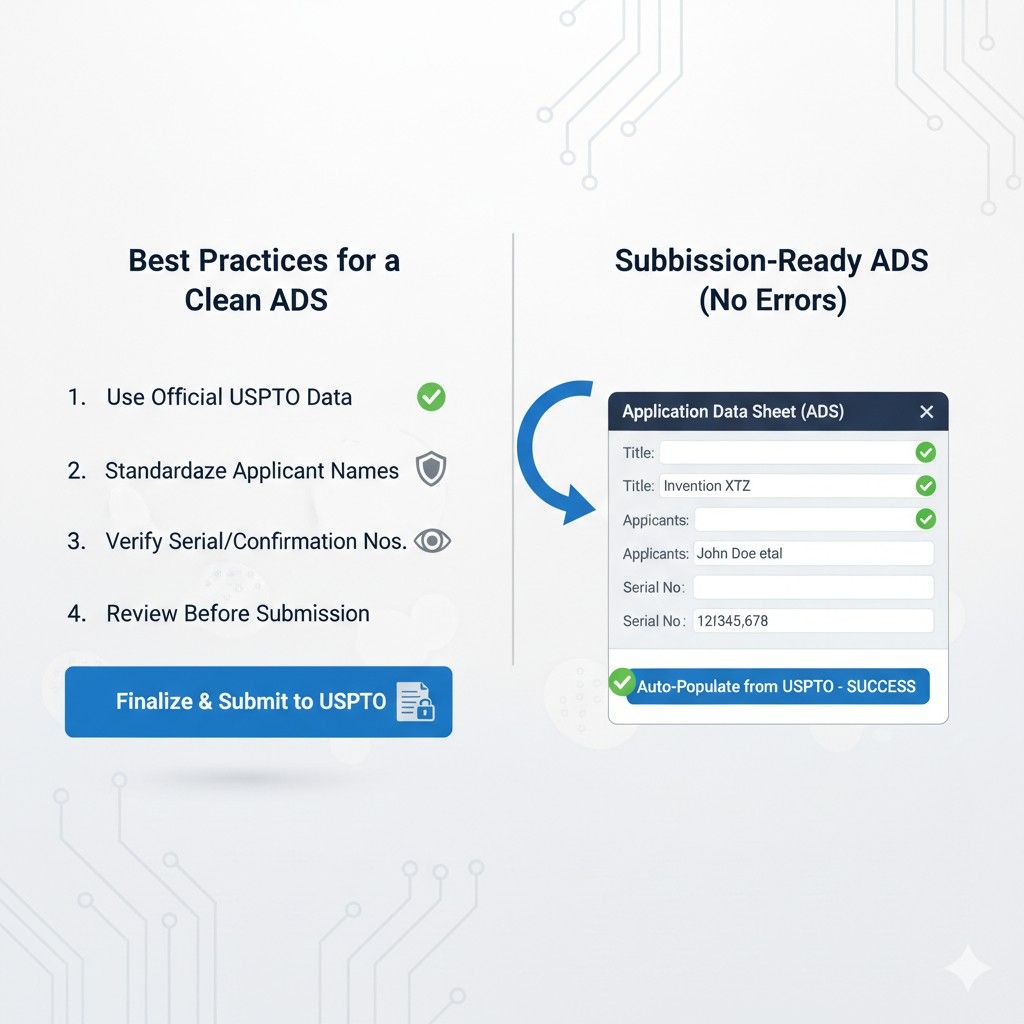
Clear ownership reduces assumptions and forces accountability. It also simplifies communication when questions arise.
Align the ADS With Business Strategy, Not Just Data
The ADS reflects more than facts. It reflects how your business presents itself to the USPTO. Entity status, correspondence details, and applicant information all carry strategic weight.
For example, using a personal address instead of a company address may be technically allowed but strategically unwise. These choices should be intentional, not accidental.
Businesses that align ADS decisions with long-term goals avoid surprises later during funding, diligence, or enforcement.
Why Software Alone Is Not Enough
Many tools promise to make filing easy. Ease is not the same as safety. Software can help structure data, but it cannot judge context or business intent.
This is why PowerPatent pairs structured software with real patent attorney review. The system ensures clean setup, and the attorney ensures the setup makes sense. That combination removes the risk that pure automation leaves behind.
You can see exactly how that process works at https://powerpatent.com/how-it-works.
Turning Setup Into a Competitive Advantage
When your ADS is clean, accurate, and aligned from day one, everything downstream moves faster. Office actions are easier to respond to. Corrections are rare. Confidence is higher.
Most competitors struggle quietly with filing friction. Businesses that invest in proper setup gain speed without sacrificing safety.
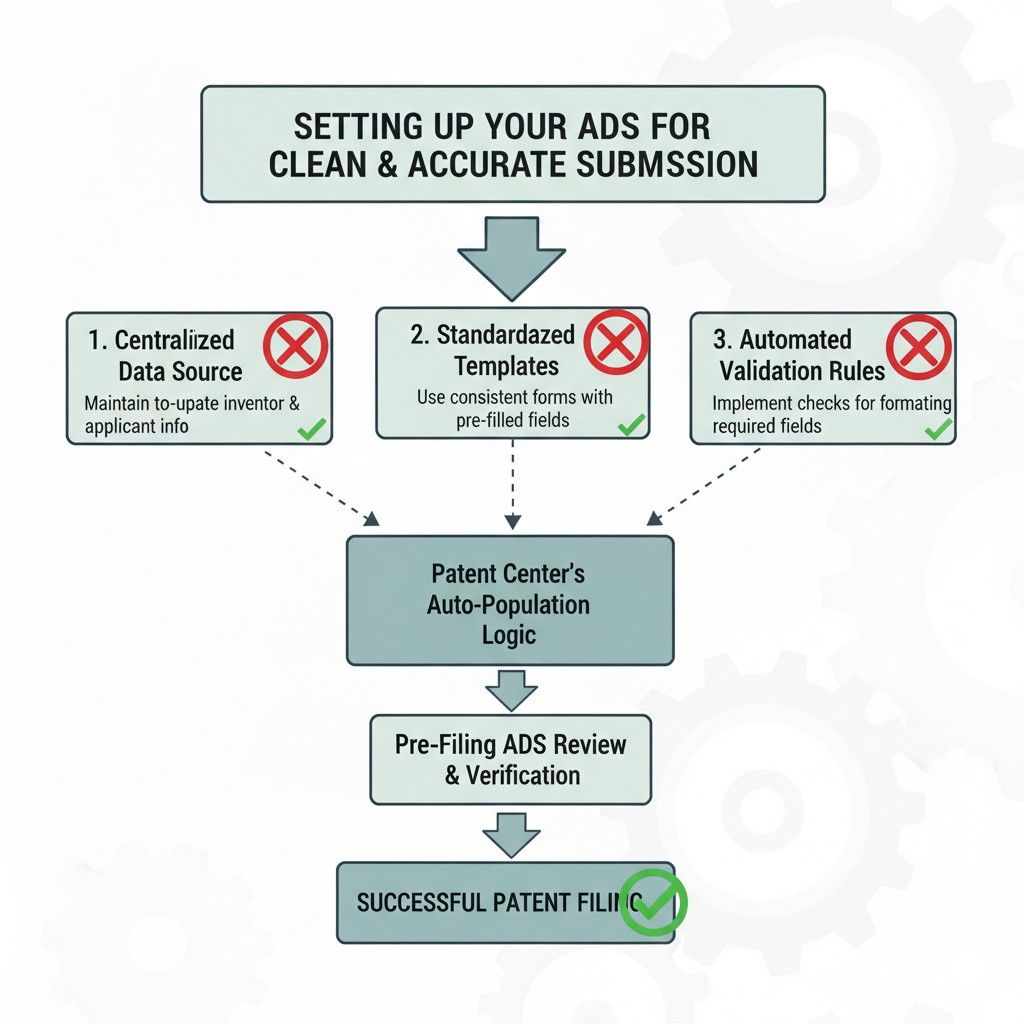
That is the real advantage. Not filing faster, but filing right the first time.
Wrapping It Up
The Application Data Sheet is not just another step in the filing process. It is the spine of your patent application. Everything else connects back to it, relies on it, and is judged against it. When it is clean, aligned, and intentional, the rest of the process feels smoother and more predictable. When it is rushed or treated casually, small cracks can turn into real delays and real risk.