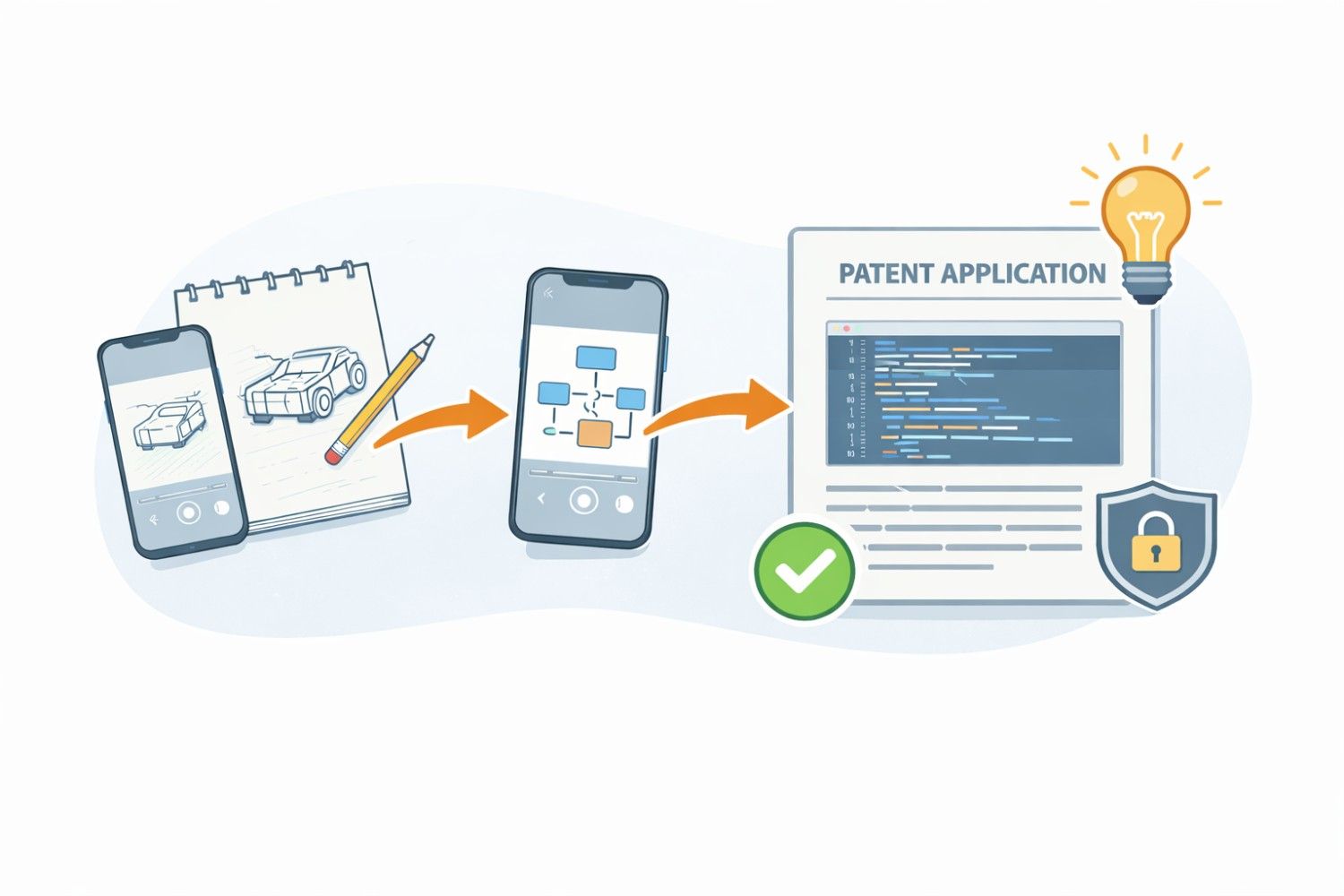
When you are building something new, your drawings, diagrams, and screenshots are not just nice visuals. They are proof. They show how your idea works. They show what makes it different. And when it comes to patents, those images can be the difference between strong protection and weak protection. If you do not capture them the right way inside your intake forms, you risk losing key details before your patent even gets drafted. In this guide, we will walk through exactly how to capture drawings, diagrams, and screenshots in intake forms so nothing important gets missed.
Why Your Visuals Matter More Than You Think in Patent Intake
When founders think about patents, they usually think about words. Claims. Descriptions. Long paragraphs. But in reality, your visuals often carry more weight than you realize.
Your drawings, system diagrams, product sketches, UI screenshots, and architecture maps are not decoration. They are structure. They are evidence. They are clarity.
In patent intake, visuals do something words alone cannot do. They freeze your invention in time. They show how pieces connect. They reveal intent. They capture the exact version of your idea before it evolves.
If you treat them casually, you risk leaving protection on the table. If you treat them strategically, you strengthen your entire patent from day one.
Visuals Reduce Ambiguity Before It Starts
Most patent problems do not happen because an idea is weak. They happen because the idea is unclear. Ambiguity creates gaps. Gaps create risk. And risk creates rejections, delays, or weak claims.
A well-captured diagram removes guesswork. It forces you to define relationships between components. It shows how data flows. It shows where logic lives. It shows where decisions happen.
When this is documented early in your intake form, your patent draft becomes sharper and more precise.
One highly practical move is to ask yourself a simple question before uploading any diagram: if a stranger looked at this image with no context, would they understand what is happening?
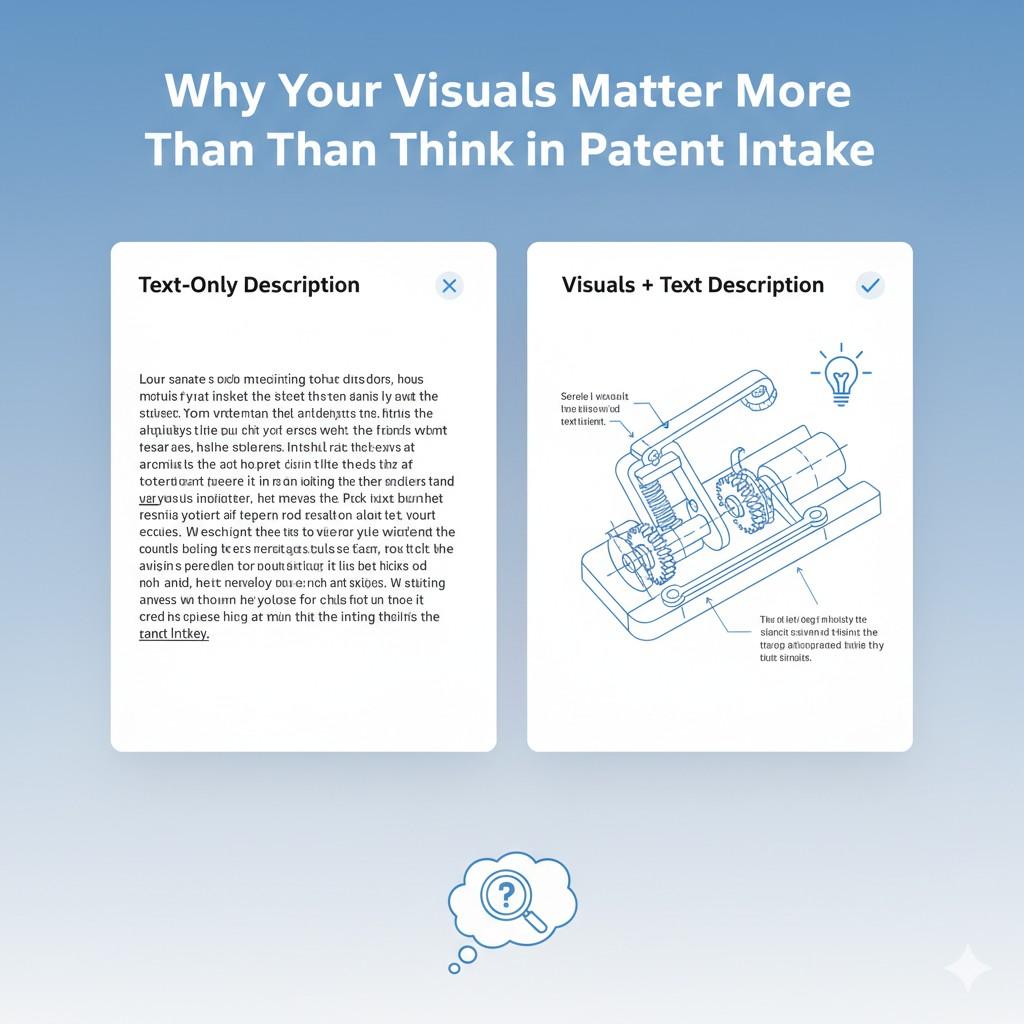
If not, add labels directly on the image before submitting it. Do not rely on separate explanations. The image should stand on its own.
This small step saves hours later. It prevents back-and-forth with attorneys. It avoids confusion that could weaken your filing.
Your Visuals Lock In Scope
Many founders move fast. You ship features. You refine models. You change interfaces. That is normal. But patents reward clarity about what existed at a specific moment in time.
Your intake visuals should capture the version of the invention you want protected, not a rough idea in your head. That means you should not submit napkin sketches unless they clearly show structure.
You should not upload partial screenshots that cut off key elements. You should not assume that the patent team will fill in blanks for you.
A powerful tactic is to version your diagrams before submitting them. Add a small version number or date directly inside the image. This makes it clear which system state is being described. It also protects you if your product evolves quickly after filing.
When your intake form includes versioned, complete visuals, you reduce disputes later about what was actually invented first.
Images Reveal What Words Often Hide
Engineers often think in systems. You see flows, triggers, feedback loops, model updates, and infrastructure layers. But when you try to describe these in text, key details may slip away.
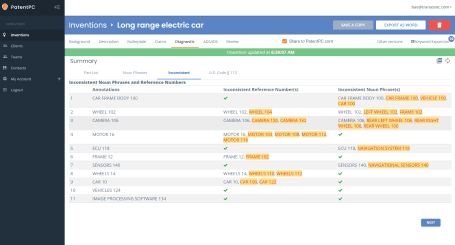
A screenshot of a backend admin panel can show more than three paragraphs of description. A simple flow diagram can expose a unique step that you did not even realize was inventive.
A block diagram can show separation of responsibilities that makes your architecture defensible.
During intake, you should not just upload final polished diagrams. You should also include internal architecture maps, early system flows, and even whiteboard captures if they clearly show structure.
The goal is not beauty. The goal is clarity.
One strategic habit is to review your product repo or design files before filling out the intake form. Look for diagrams that engineers use internally. Often those visuals contain the strongest technical story.
If you only rely on marketing screenshots, you miss deeper protection.
Visuals Help Attorneys Ask Better Questions
Patent quality depends heavily on the right questions being asked early. When your intake form includes strong visuals, attorneys can immediately see how your system works.
That allows them to spot edge cases, alternative embodiments, and broader applications.
For example, a diagram showing how your model updates based on user feedback might reveal that your invention is not just about the model, but also about the training pipeline.
A UI screenshot might show that your differentiation is in how results are ranked, not just displayed.
Without visuals, these insights may never surface.
You can improve this process by adding short captions directly below each uploaded image in your intake form. Keep them simple. Explain what the image shows and why it matters.
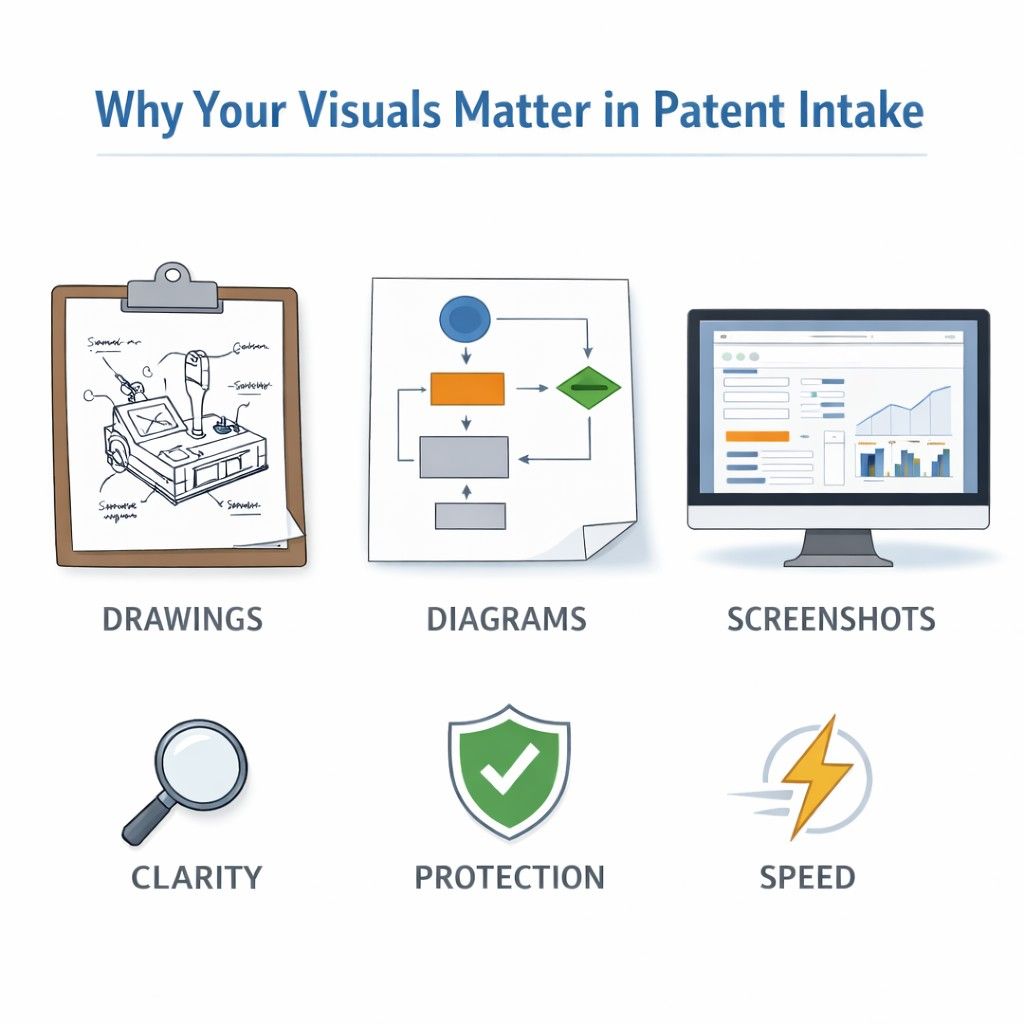
Do not assume the meaning is obvious. This gives attorneys a starting point for deeper exploration.
Strong Visuals Expand Claim Opportunities
Many founders focus only on protecting the main feature. But patents can cover systems, methods, processes, interfaces, data structures, and hardware interactions. Your visuals help unlock these angles.
A system diagram might reveal multiple layers that can each become independent claim paths.
A screenshot sequence might show a novel user interaction flow. A data flow chart might expose a unique ordering of operations.
To capture this strategically, do not upload only one diagram. Think about your invention from multiple views. Show a high-level architecture. Show a detailed component view. Show a user-facing flow. Show backend logic if relevant.
Each perspective strengthens the foundation for broader claims.
Visual Evidence Strengthens Enforcement Later
Many founders think only about filing. Few think about enforcement. But one day, if a competitor copies your core idea, your visuals become critical evidence.
Clear diagrams included at intake help ensure your patent drawings are accurate and complete. Those official patent drawings then become part of your public protection.
If your intake visuals were vague, your issued patent may lack clarity. That weakens your ability to assert your rights.
One tactical move is to annotate screenshots to highlight the inventive part. Use arrows or simple markers to show what is new.
This helps the drafting team focus on the right elements and ensures those elements appear clearly in the final drawings.
Visuals Capture Hidden Value in Deep Tech
If you are building in AI, biotech, robotics, fintech, or infrastructure, much of your invention may not be visible in a consumer interface. It may live in logic layers, training loops, hardware integrations, or orchestration systems.
Intake forms should be built to capture these internal visuals, not just surface-level screens.
Before completing your form, sit down with your technical lead and ask them to sketch the real core system. Not the marketing view. The real flow. The data path. The decision engine. The fallback mechanisms.

Upload those visuals. They often contain the most defensible IP.
Screenshots Are Time Stamps of Innovation
A screenshot is not just an image. It is a time marker. It shows what your system did at a specific point.
When you capture screenshots for intake, make sure system timestamps are visible if relevant.
If your innovation relates to how outputs change over time, capture multiple states. If your invention adapts based on user behavior, show before-and-after states.
These small details make your patent story stronger and more credible.
Clean Visuals Speed Up Filing
The more organized your visuals are during intake, the faster your patent can move forward. Clean file names help. Clear labeling helps. Grouping related images helps.
Instead of uploading random files called image1.png, rename them to reflect meaning. For example, “Model_Training_Flow_v2” or “User_Onboarding_Sequence”. This simple discipline reduces confusion and saves time.
Time matters. Especially if you are racing competitors or preparing for fundraising.
Your Intake Process Shapes Patent Strength
The intake form is not just paperwork. It is the foundation of your patent. If you rush it, your patent will reflect that. If you approach it strategically, your protection becomes stronger.
At PowerPatent, we see over and over that founders who invest real thought into capturing their visuals clearly end up with cleaner drafts, fewer revisions, and faster filings.
The combination of smart software and real attorney review works best when the raw material is strong.
If you are building something valuable, do not treat visuals as an afterthought. Treat them as assets.
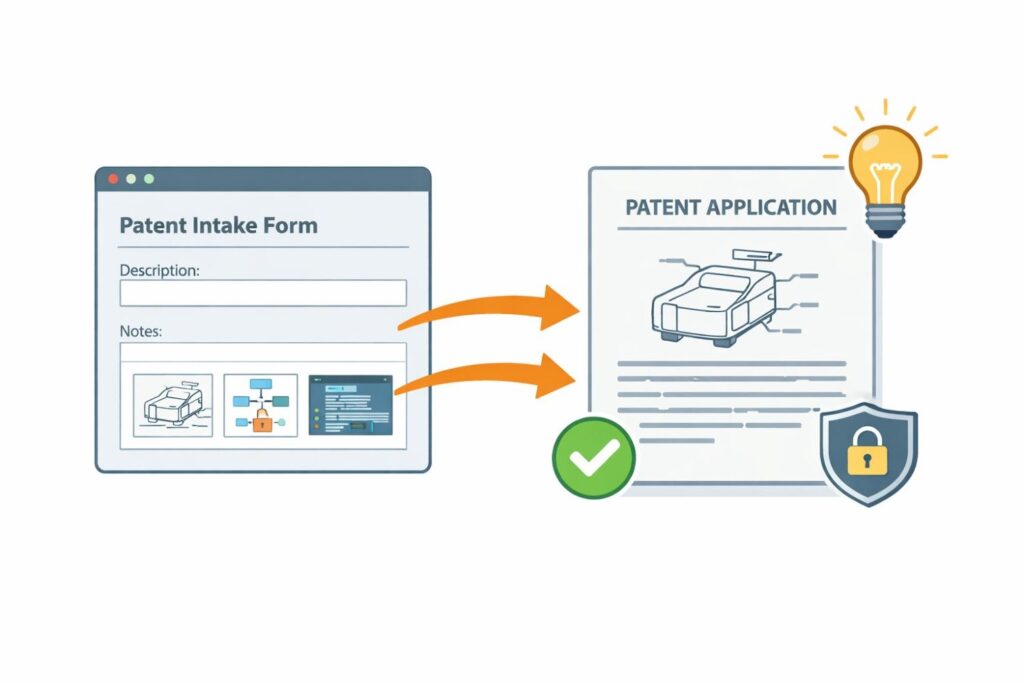
If you want a system that guides you through capturing your diagrams, screenshots, and technical drawings the right way from day one, you can see exactly how it works here: https://powerpatent.com/how-it-works
Your invention deserves clarity. And clarity starts with how you capture your visuals in the intake stage.
How to Capture Drawings and Diagrams So Nothing Gets Lost
Most founders think the hard part is building the product. It is not. The hard part is slowing down long enough to explain what you built in a way that protects it.
Drawings and diagrams are where most details slip through the cracks. Not because they are unimportant, but because they feel obvious to you. You see the full system in your head. You know how the pieces connect. You forget that no one else does.
If your intake form does not capture those connections clearly, your patent will be built on partial information. And partial information leads to narrow protection.
This section will show you how to capture your drawings and diagrams in a way that protects the full depth of your invention.
Start With the Real Architecture, Not the Polished Version
The biggest mistake founders make is submitting the clean investor diagram instead of the real system diagram.
Investor slides simplify. They remove complexity. They hide edge cases. They gloss over technical steps.
Your patent intake needs the opposite.
Before you upload anything, go back to the internal documents your engineers use. Look at system architecture boards. Look at backend flow maps. Look at data pipelines. These are often messy, but they show truth.

If you do not have a full architecture diagram, create one. Even a simple box-and-arrow sketch is better than nothing. What matters is that it shows how components interact, where decisions happen, and how information moves.
Do not aim for pretty. Aim for complete.
Capture Every Layer of the System
Most inventions live across layers. There is a user layer. There is an application layer. There is logic. There is storage. There may be hardware or external services.
If you only show one layer, your patent may only protect that layer.
Instead, break your diagrams into views. One high-level diagram that shows the whole system. Another that zooms into the core engine. Another that shows how data enters and exits. Each view tells a different story.
When filling out the intake form, upload these views separately. Give each one a clear title. In the description field, explain what that specific diagram highlights.
This approach gives your attorney more angles to work with. It opens doors to broader claims.
Show the Flow, Not Just the Components
A diagram with boxes is not enough. The flow between those boxes is often where the invention lives.
If your system processes input in a specific order, show that order. If there is a feedback loop, draw it clearly. If there are conditions that trigger different paths, make that visible.
Arrows matter. Sequence matters. Decision points matter.
When creating your diagram for intake, ask yourself: does this image show what happens first, what happens next, and what changes as a result? If the answer is no, refine it before submitting.
Even simple numbering next to arrows can help. It turns a static image into a process story.
Label Everything Clearly
Never assume the reader knows what a box means.
If a block says “Processor,” that is too vague. What processor? What does it actually do? Does it rank results? Train a model? Encrypt data?
Use short but specific labels. For example, instead of “Module A,” write “Anomaly Detection Engine.” Instead of “Database,” write “User Behavior Log Storage.”
Clear labels prevent misunderstandings. They also make it easier to draft stronger descriptions later.
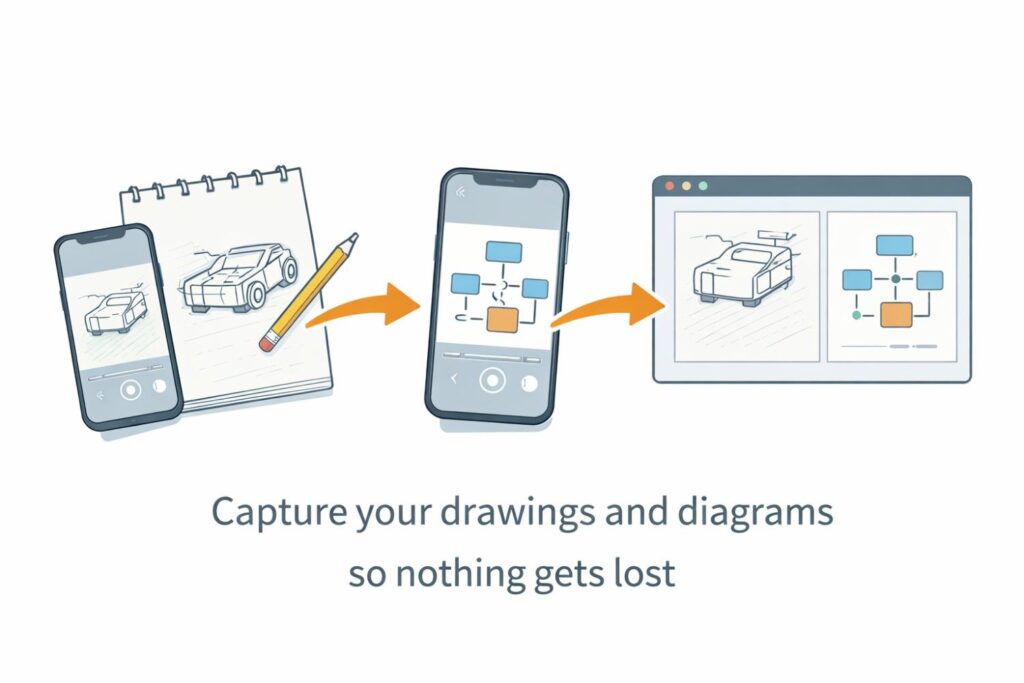
Before uploading your diagram, imagine you are seeing it for the first time. If any box feels unclear, rename it.
Highlight What Is New
Not every part of your system is new. Some pieces are standard. Some are common practice.
Your intake diagram should make it easy to see what is inventive.
One simple tactic is to visually distinguish the new component. You might shade it differently or outline it. You can also add a short note near it explaining why it is different.
This helps the patent team focus their energy on the right area. It reduces the risk that your true innovation gets buried under generic details.
Include Alternative Paths
Strong patents often describe more than one way to implement the same idea.
If your system could run in the cloud or on device, show both options. If your algorithm could use two different data sources, include that variation.
Even if you are currently using only one approach, document the others in your diagrams if they are realistic.
When filling out the intake form, add a short explanation under the diagram describing these variations. This small step can dramatically increase the scope of protection.
Do Not Rely on Memory
Many founders try to fill out patent intake forms from memory. That is risky.
Instead, open your codebase. Look at actual class names. Review real workflows. Check configuration settings. Then update your diagram accordingly.
Your memory simplifies things. Your system does not.
If possible, sit down with the engineer who built the feature. Ask them to walk through the diagram line by line. You will likely uncover details you forgot.

Capture those details now. It is much harder to add them later.
Document Edge Cases
Edge cases often reveal innovation.
Does your system handle failures in a special way? Does it retry requests using a unique rule? Does it switch models when confidence drops?
If so, show that behavior in your diagrams.
You can create a separate diagram just for exception handling. Or you can add a branch that shows what happens when something goes wrong.
These details make your invention feel real. They also make it harder for competitors to design around your patent.
Convert Whiteboard Sessions Into Permanent Records
Some of the best technical thinking happens on a whiteboard. But those sketches often disappear.
After a strong design session, take clear photos of the board. Then convert that into a clean digital diagram before filling out your intake form.
While recreating it digitally, add clearer labels and structure. This is your chance to refine the explanation without losing the original insight.
Do not let breakthrough thinking fade because it was never documented properly.
Make File Organization Work for You
When submitting drawings through an intake form, organization matters.
Group related diagrams together. Name them in a way that reflects their purpose. Avoid vague file names that force someone else to guess.
For example, instead of uploading “diagram_final2.png,” use a name that describes its role in the system.
Clear organization speeds up review. It reduces friction. It shows that you are serious about protecting your work.
Review Before You Submit
Before you finalize your intake form, pause.
Open every uploaded diagram. Read every label. Ask yourself if a technical outsider could understand the structure.
If something feels incomplete, update it now.
The quality of your intake directly impacts the quality of your patent.
At PowerPatent, our platform is built to guide you through this process step by step, while real patent attorneys review your materials to ensure nothing critical is missed.
The software helps you stay organized, and the attorney oversight helps you stay protected.
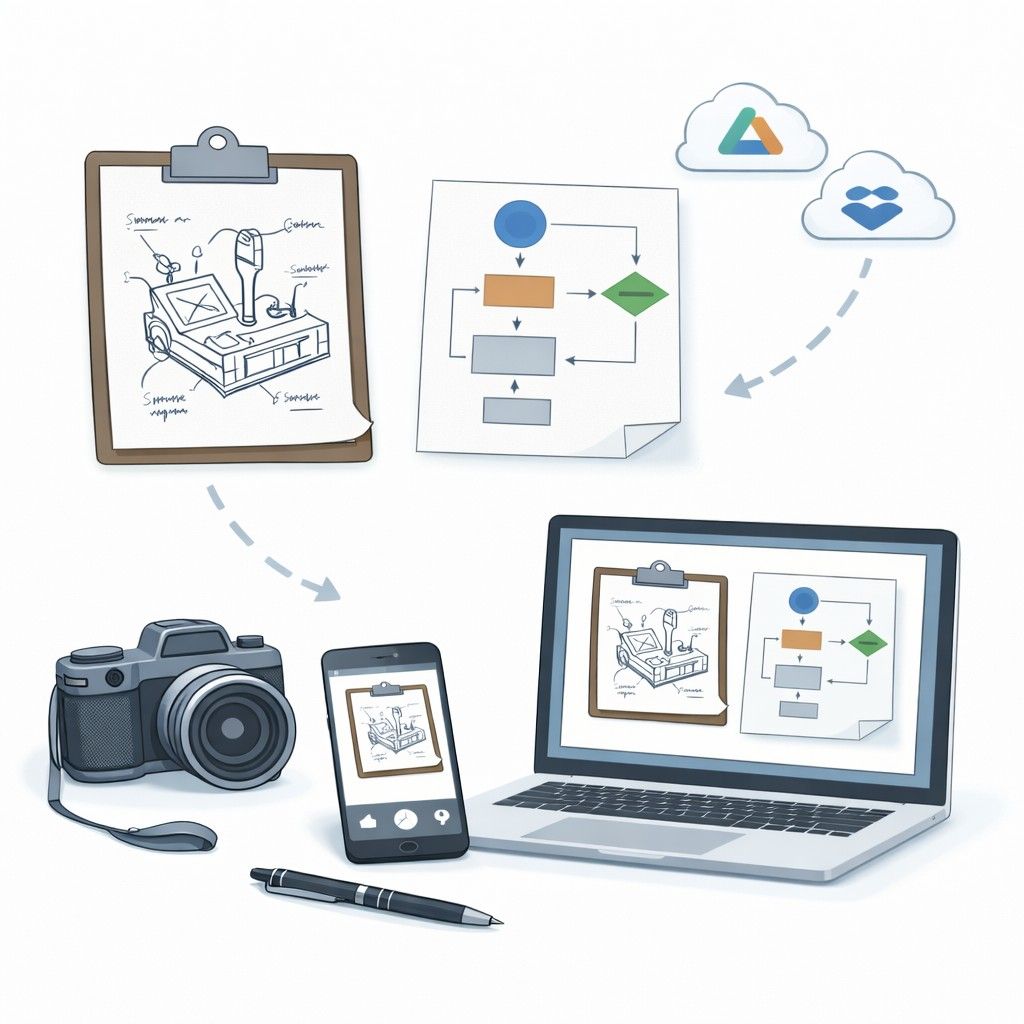
If you want to see how a smarter intake process can protect your invention without slowing you down, you can explore it here: https://powerpatent.com/how-it-works
Your diagrams are more than visuals. They are the backbone of your patent.
Turning Screenshots Into Clear, Defensible Patent Evidence
Screenshots look simple. You take one. You upload it. Done.
But when it comes to patents, a screenshot can either strengthen your protection or weaken it. It can clearly show your innovation. Or it can create confusion that limits your claims.
A screenshot is frozen proof of how your system behaved at a specific moment. It captures real output. Real structure. Real interaction. That makes it powerful. But only if you capture it the right way.
This section will show you how to turn ordinary screenshots into strong, defensible patent evidence that protects what you are actually building.
Capture the Full Context, Not Just the Feature
Many founders crop screenshots too tightly. They zoom in on the one element they think matters. In doing so, they remove the surrounding context that explains how the system works.
The surrounding elements often matter more than you think.
For example, if your innovation is about how search results are ranked, do not only show the ranking label.
Show the entire results page. Show filters. Show timestamps. Show user inputs. These details reveal the full interaction between user and system.
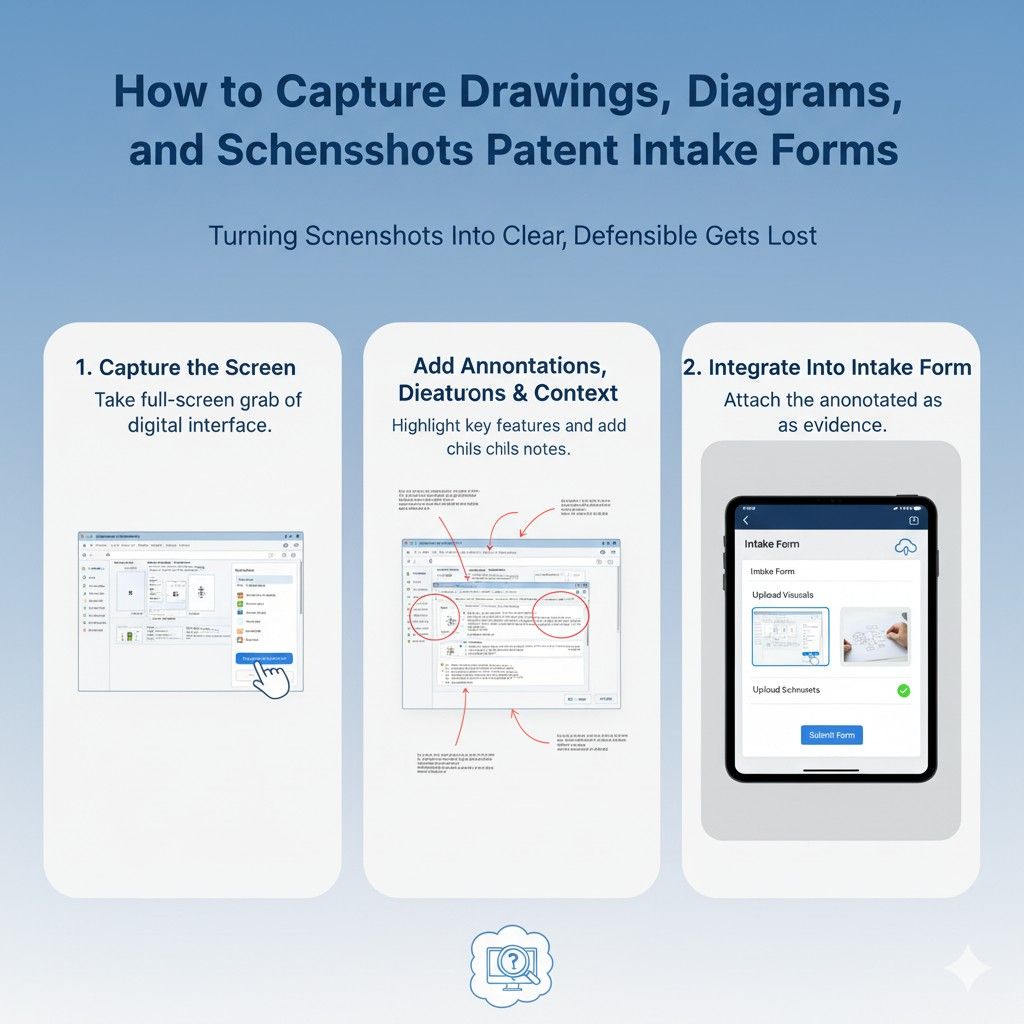
When filling out your intake form, upload at least one full-screen capture before sharing close-up views. This gives the patent team context to understand how the feature fits into the larger system.
Show the Input and the Output Together
A screenshot of output alone is incomplete. A screenshot of input alone is incomplete.
Patents often hinge on transformation. What goes in. What happens inside. What comes out.
If your invention processes user prompts, capture the prompt field and the resulting output in the same image whenever possible. If that is not possible, include sequential screenshots that clearly show the flow.
Make sure the connection between input and output is obvious. Do not assume the reviewer will guess what triggered the result.
In your intake description, briefly explain what action produced the output shown. A simple sentence can prevent major confusion later.
Capture Multiple States of the System
Your system may behave differently depending on conditions. That variation may be part of your invention.
If your model updates after user feedback, capture a screenshot before feedback and another after. If your interface adapts based on user type, show both versions. If results change based on confidence score, document that change.
These states tell a deeper story. They show logic at work.
When submitting screenshots, group related states together. Name them clearly so the evolution is easy to follow.
This strengthens your ability to claim dynamic behavior rather than static design.
Make Hidden Logic Visible
Some of the most valuable innovation lives behind the screen. It is not obvious from the interface alone.
If possible, pair UI screenshots with backend dashboard views, logs, or admin panels that show internal processing. If your system assigns scores, capture where those scores are displayed internally.
If it triggers automated actions, show the control panel that manages them.
This connects the surface experience to the underlying engine.
When filling out your intake form, explain how the visible screen ties to the deeper system. Even a short note like “This result is generated by the adaptive ranking engine shown in Diagram 2” can create strong alignment between visuals.
Do Not Clean Too Much
Some founders try to polish screenshots before submitting them. They blur data. They remove fields. They simplify the view.
Be careful.
While you should remove sensitive personal data, do not strip away structural elements that explain functionality. The layout of buttons, the order of fields, the placement of controls, and the structure of menus can all support patent claims.
If privacy is a concern, use test data instead of real user data. But preserve the structure exactly as it exists in the real system.

The goal is accuracy, not marketing polish.
Capture Error Messages and Edge Behavior
Error states often reveal inventive logic.
Does your system respond to invalid input in a special way? Does it guide users through correction using a unique flow? Does it automatically retry or suggest alternatives?
Capture that.
Screenshots of failure modes may feel unimportant. They are not. They show robustness. They show intelligent handling. They may reveal differentiating logic that competitors do not have.
When submitting these, explain what triggered the error and how the system handled it differently from a basic system.
Timestamp and Version Your Screenshots
Innovation moves fast. Screenshots help prove when a feature existed.
If relevant, include visible timestamps in the interface. If your build version appears on screen, keep it visible. If not, add a small note in the intake description stating the build version or release date.
This helps anchor your invention in time.

It also protects you if you release improvements later. Your patent can focus on the version captured during filing.
Sequence Matters
One screenshot rarely tells the whole story.
If your invention involves a flow across multiple screens, capture each step in order. Name them in sequence. Make it clear which action moves from one screen to the next.
When uploading them to the intake form, describe the sequence briefly so it reads like a narrative.
For example, explain that the user first submits input, then the system processes it, then results are displayed with adaptive filtering.
This transforms separate images into a coherent technical story.
Avoid Vague File Names
Organization matters more than you think.
If you upload files named “screen1.png” and “final_new.png,” you create friction. Friction slows down review. Slower review can mean missed nuance.
Rename files before uploading them. Choose names that reflect what the screenshot shows and why it matters.
Clear names speed up attorney understanding. Faster understanding leads to better drafting.
Connect Screenshots to Diagrams
Screenshots should not live in isolation.
If you have already submitted system diagrams, reference them in your screenshot descriptions. Explain which component in the diagram produces the result shown in the screenshot.
This alignment creates a strong, unified story between architecture and real-world behavior.
It also makes your patent more defensible because it ties theory to practice.
Capture What Makes You Different
Before submitting any screenshot, pause and ask a hard question.
If a competitor saw this image, what part would they struggle to replicate?
That is the part you must highlight and explain.
Maybe it is the way results are grouped. Maybe it is the adaptive nature of recommendations. Maybe it is how user feedback reshapes the output in real time.
Do not assume it is obvious.
Use short explanations in the intake form to draw attention to what is truly new.
Treat Screenshots as Legal Evidence
A patent is a legal document. Your screenshots may become part of that story.
Treat them seriously.
Double-check clarity. Make sure text is readable. Ensure no key area is cut off. Verify that visual elements align with how your system actually works.
Do not rush this step.
At PowerPatent, our intake process is designed to help founders capture screenshots and technical visuals in a structured way, while real patent attorneys review everything to ensure your innovation is fully understood and properly protected.
You keep control. You move fast. And you avoid the common mistakes that weaken patents before they are even filed.
If you want to see how a smarter intake system helps turn your product screens into real, defensible patent protection, you can explore it here: https://powerpatent.com/how-it-works
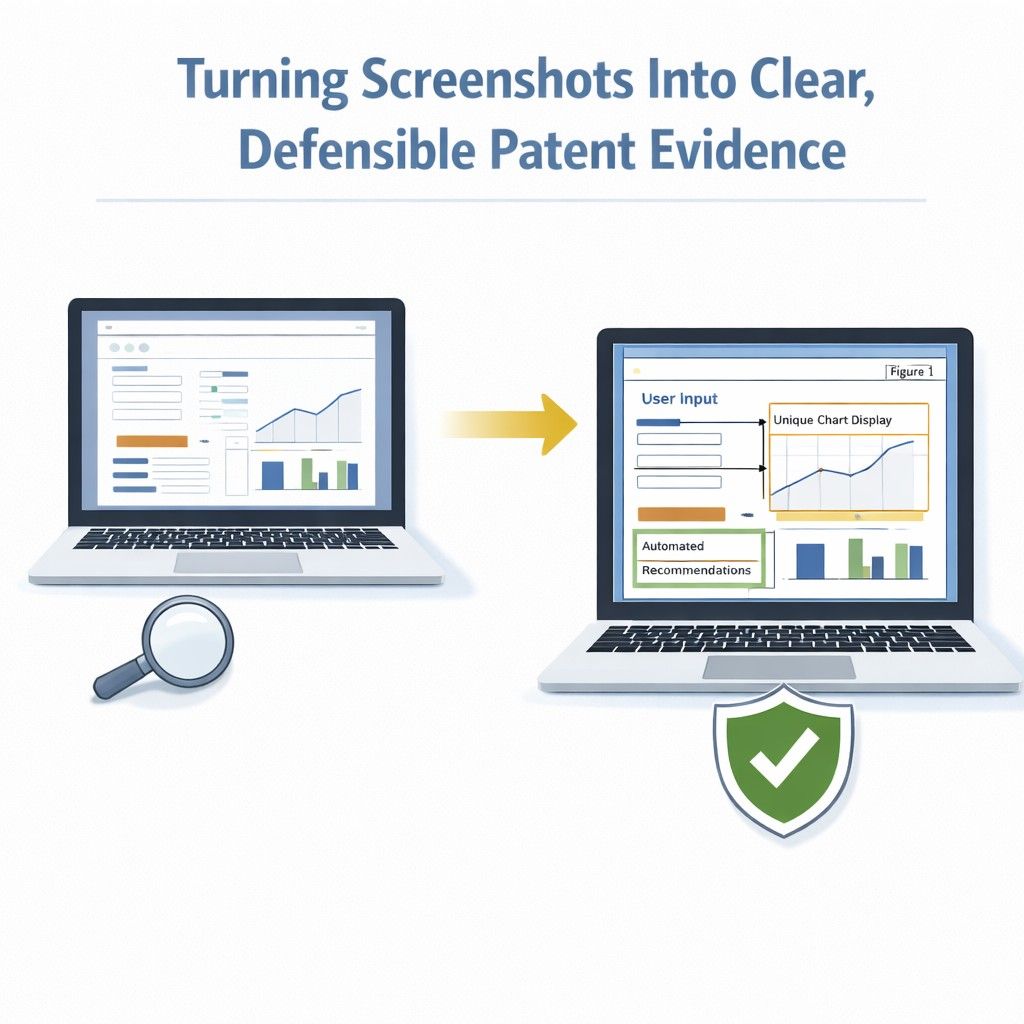
Your screenshots are more than images. They are proof of invention.
Wrapping It Up
If you remember one thing from this guide, let it be this: your visuals are not supporting material. They are core evidence. Your drawings show structure. Your diagrams show logic. Your screenshots show behavior. Together, they tell the real story of your invention. When they are captured clearly inside your intake form, your patent becomes stronger from the very beginning. When they are rushed, incomplete, or unclear, your protection shrinks before it even starts.