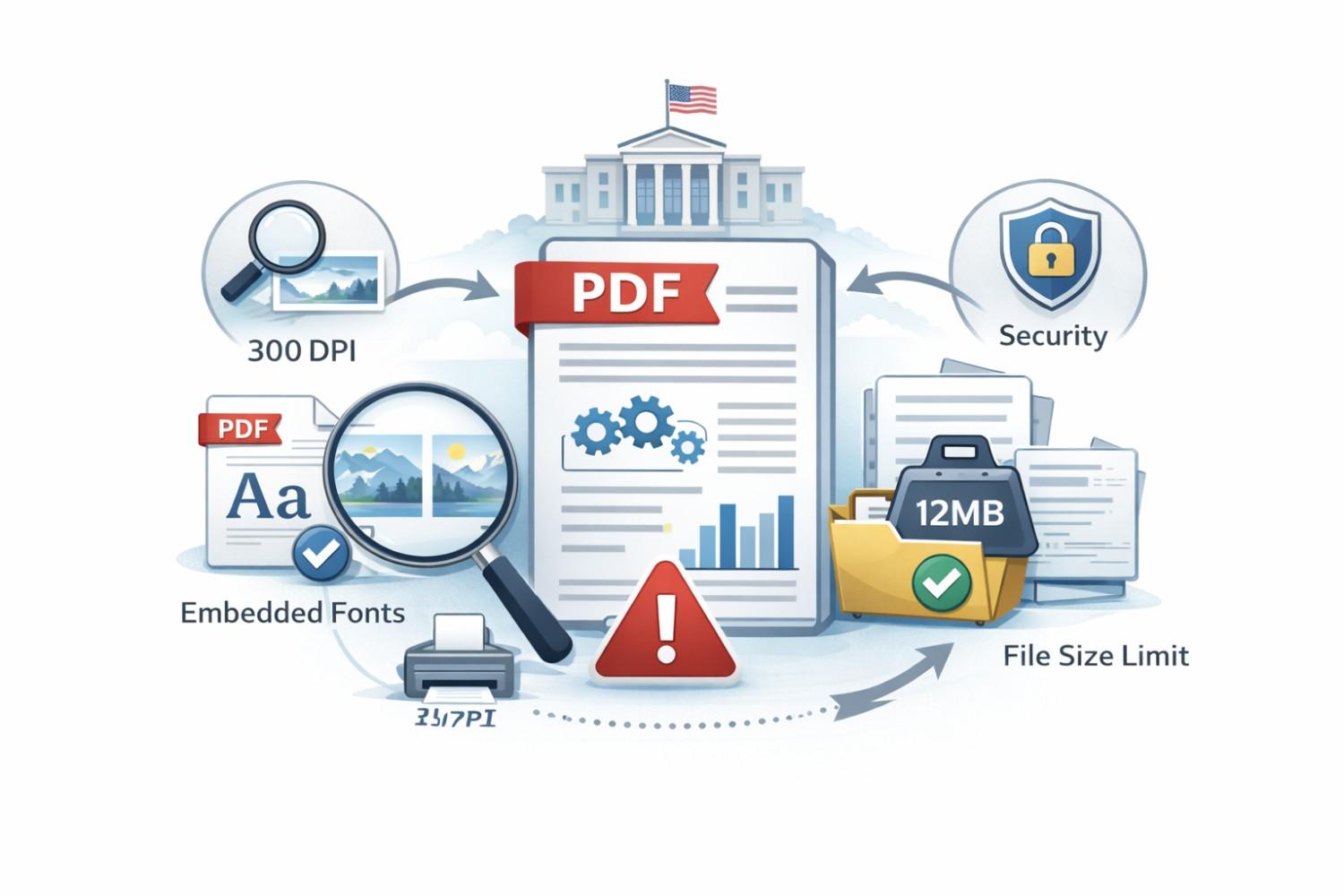
Filing a patent should not fail because of a PDF. Yet this happens more often than founders expect. You can have a strong invention, clean claims, and solid drawings, and still get blocked because your file did not meet basic USPTO rules. That is frustrating, slow, and avoidable. This guide is here to fix that. We will walk through exactly how the USPTO wants your PDFs to look and behave. No legal talk. No filler. Just clear, simple rules you can actually follow. You will learn what DPI really means, which fonts are safe, how big your file can be, and why small mistakes can cause big delays.
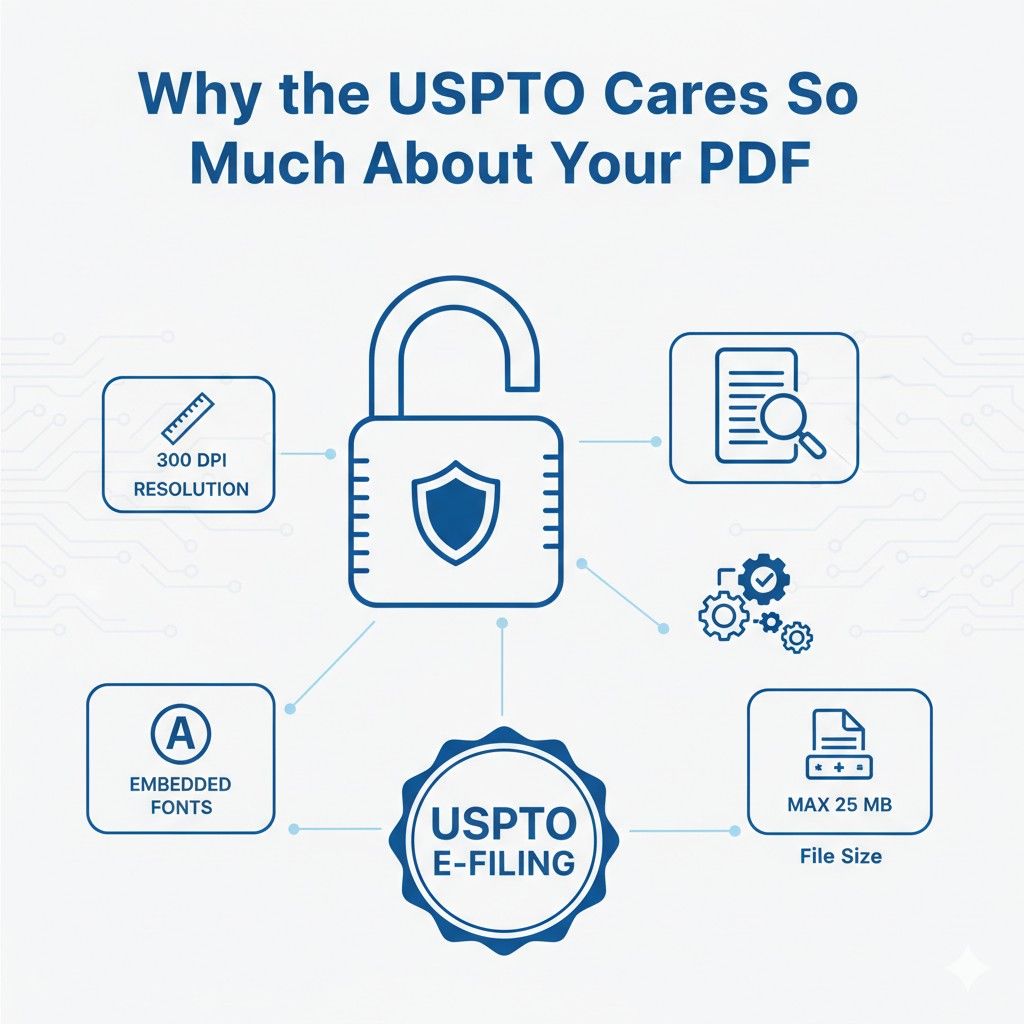
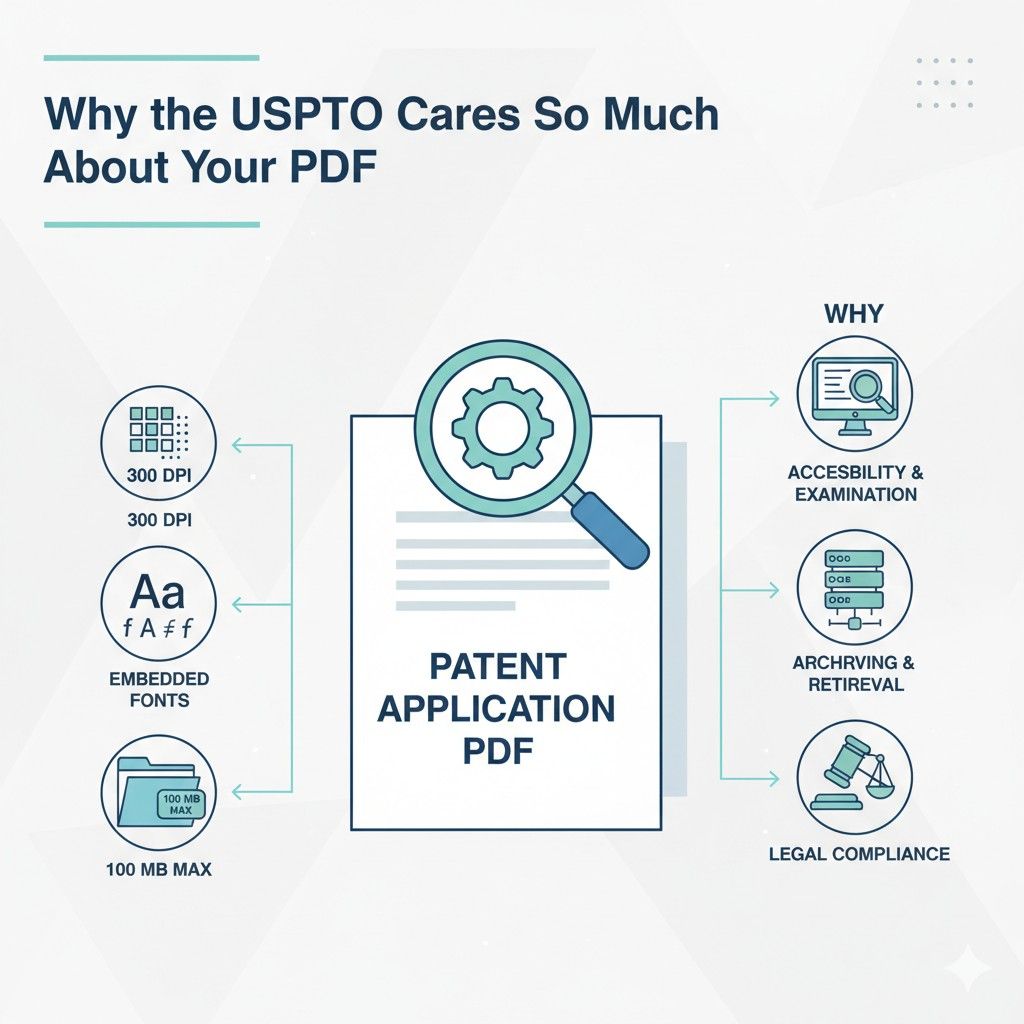
Why the USPTO Cares So Much About Your PDF
The USPTO does not see your invention the way you do. They do not see late nights, fast shipping, or how clever your system really is.
They see a document that must survive decades, lawsuits, transfers, and reviews by people who have never met you.
The PDF you upload becomes the official record of your invention. That is why the rules feel strict. The file is not just a file. It is evidence.
When businesses understand this, the rules stop feeling annoying and start feeling logical.
The USPTO is trying to protect clarity, fairness, and long-term access. If your PDF fails at any of those, your application can slow down or fail before it even gets reviewed.
The PDF Is the Legal Source of Truth
Once your application is filed, the USPTO treats the PDF as the single source of truth. Not your Word file. Not your drawings folder. Not your email history. The PDF is what examiners read, what courts rely on, and what future investors may review.
This means every word, line, and image has to show up clearly and exactly the same for everyone who opens it. If text shifts, images blur, or fonts change, the meaning can change.
That creates risk. The USPTO avoids that risk by forcing strict rules on how PDFs are made.
Actionable advice here is simple. Always generate your final PDF from a clean source file and open it on a different computer before filing. If it looks even slightly off, it is not ready. This small step saves weeks later.
Long-Term Storage Is a Real Problem
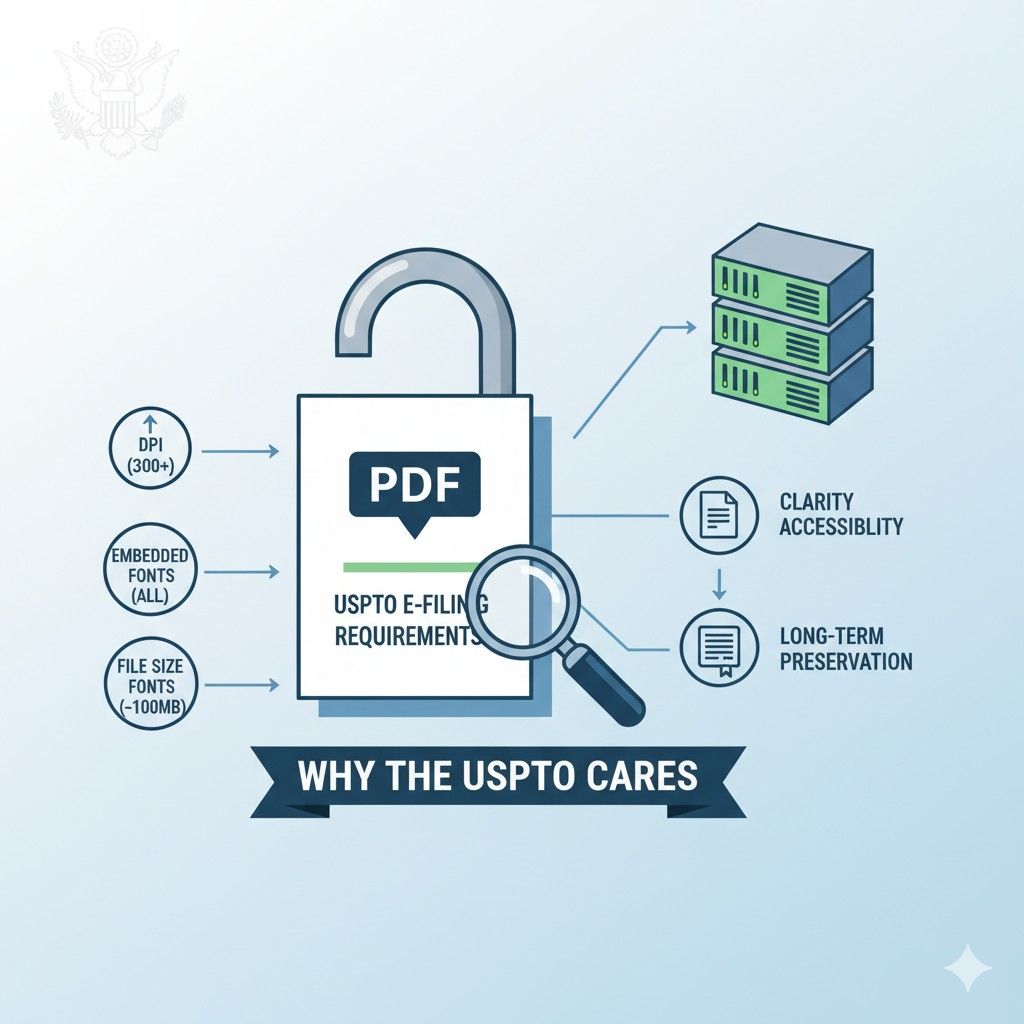
Patent files are not stored for a year or two. They are stored for decades. The USPTO still handles applications from the 1990s and earlier. They need files that will still open and still look right many years from now.
Some fonts disappear over time. Some image formats break. Some PDFs depend on software that no longer exists. The USPTO cares about this because they cannot afford to lose access to old filings.
For businesses, this means you should avoid fancy tools and custom exports. Simple, boring, standard PDFs last the longest.
If your design tool gives you many export options, choose the most basic one. Stability beats style every time in patent filings.
Examiners Review Thousands of Files
A patent examiner may open dozens of applications in a single day. They do not have time to zoom in, rotate pages, or guess what a blurry symbol means. If your PDF is hard to read, it slows them down. Slow files get less patience.
The USPTO enforces PDF rules to keep examiner work consistent and fast. When everything looks the same, they can focus on substance instead of format.
A smart move for companies is to review your PDF as if you were tired and in a rush. If anything feels annoying to read, fix it. Clear files reduce friction, and less friction often leads to smoother reviews.
Filing Errors Cost Real Money
When a PDF fails USPTO checks, the system may reject it outright or flag it for correction. That can mean refiling fees, lost filing dates, or rushed fixes under pressure. For startups, that can affect funding timelines or public launches.
The USPTO is strict because fixing mistakes later is expensive for everyone. It is cheaper to block bad files early than to clean up problems years later.
Businesses should treat PDF prep as part of core IP work, not an afterthought. Build time into your process for final checks.
Or use tools that handle this automatically, like PowerPatent, where software and real attorneys make sure nothing breaks at the last minute. You can see how that works here: https://powerpatent.com/how-it-works
Consistency Protects Fairness
Patent law is built on fairness. Every applicant is supposed to play by the same rules. If one filer uses tiny text or compressed images to squeeze in more content, that creates an advantage. The USPTO rules stop that.
By forcing consistent DPI, fonts, and file sizes, the USPTO makes sure no one games the system. Everyone gets the same space and the same visual clarity.
For businesses, this means resisting the urge to be clever with formatting. Do not try to fit more by shrinking margins or lowering image quality. That often backfires. Clean, standard formatting signals seriousness and reduces scrutiny.
Digital Filing Does Not Mean Casual Filing
Because filing is online, it is easy to think of it as casual. Upload, click, done. But e-filing is just a delivery method. The legal weight is the same as paper filings used to be.
The USPTO treats your PDF as if it were printed, stamped, and locked in a vault. That mindset explains why the rules are strict.
A good habit is to treat your final PDF like a contract you are about to sign. Read it slowly. Check every page. Confirm page numbers, margins, and image clarity. This mindset alone prevents most errors.
The Rules Are Meant to Help You, Too
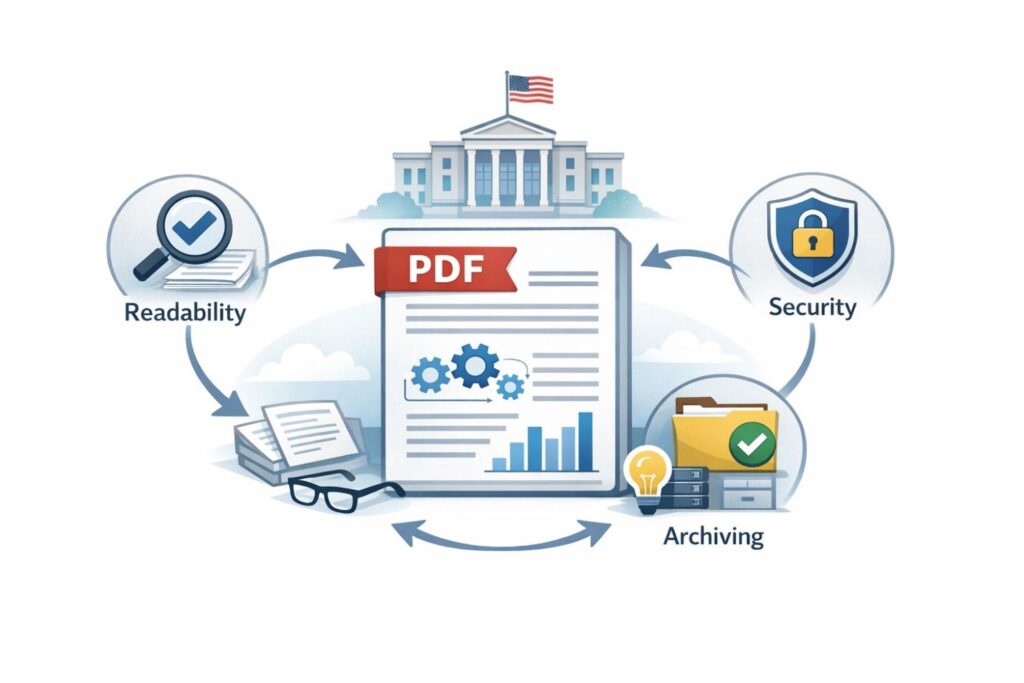
It may not feel like it, but USPTO PDF rules protect filers as much as the office. Clear files reduce misreads. Standard fonts reduce disputes. Stable formats protect your rights years later when you may need them most.
Businesses that understand this stop fighting the rules and start using them as a checklist for quality. A clean PDF is often a signal of a clean application.
If you want to move fast without worrying about these details, PowerPatent was built exactly for that. The platform handles the formatting while real patent attorneys review everything before filing.
You stay focused on building. The filing stays solid. Learn more here: https://powerpatent.com/how-it-works
DPI Explained in Plain English (And How to Get It Right)
DPI is one of those terms that sounds technical but controls everything about how your patent application is seen.
Many businesses get this wrong because they assume DPI only affects image quality. In reality, DPI affects readability, compliance, examiner comfort, and whether your filing even goes through.
The USPTO does not care about DPI to be difficult. They care because DPI controls how information survives copying, zooming, printing, and long-term storage. Once you understand that, the rules stop feeling abstract and start feeling practical.
What DPI Really Means in Real Life
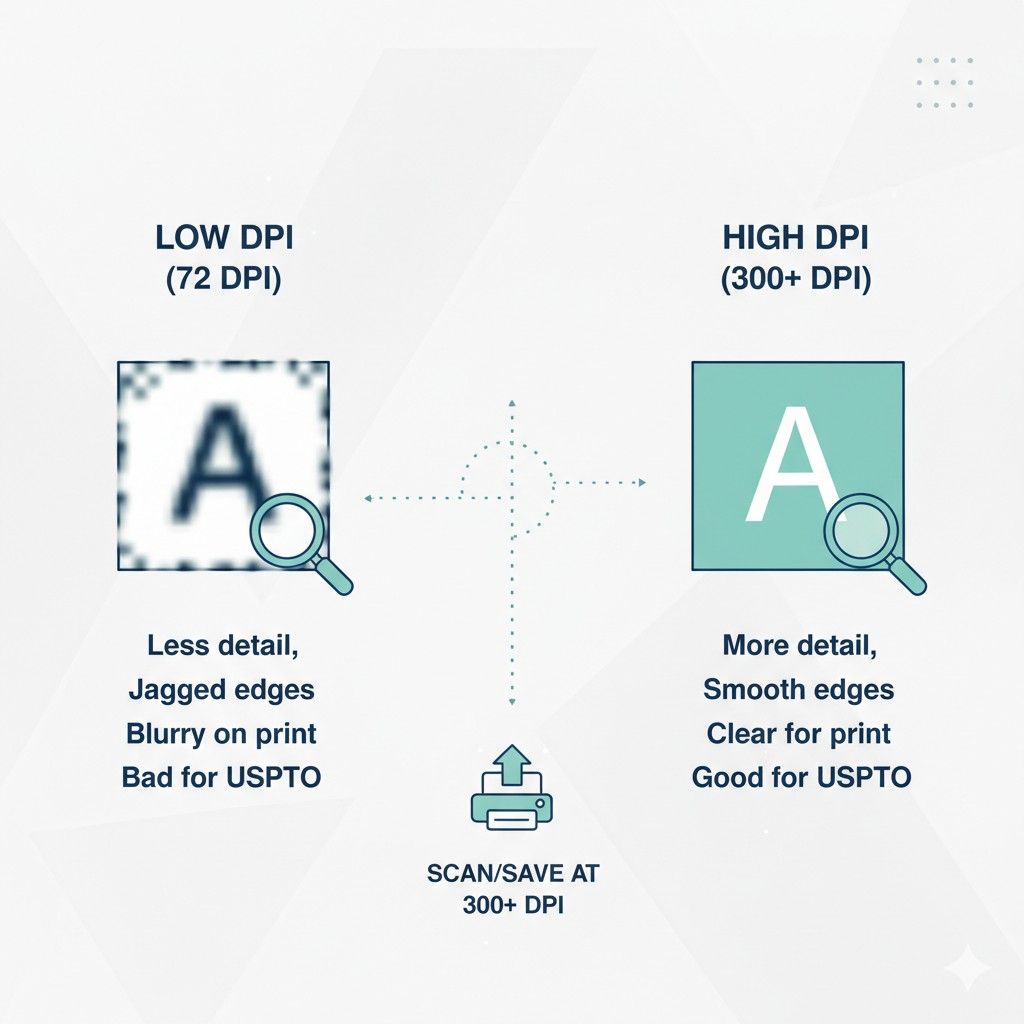
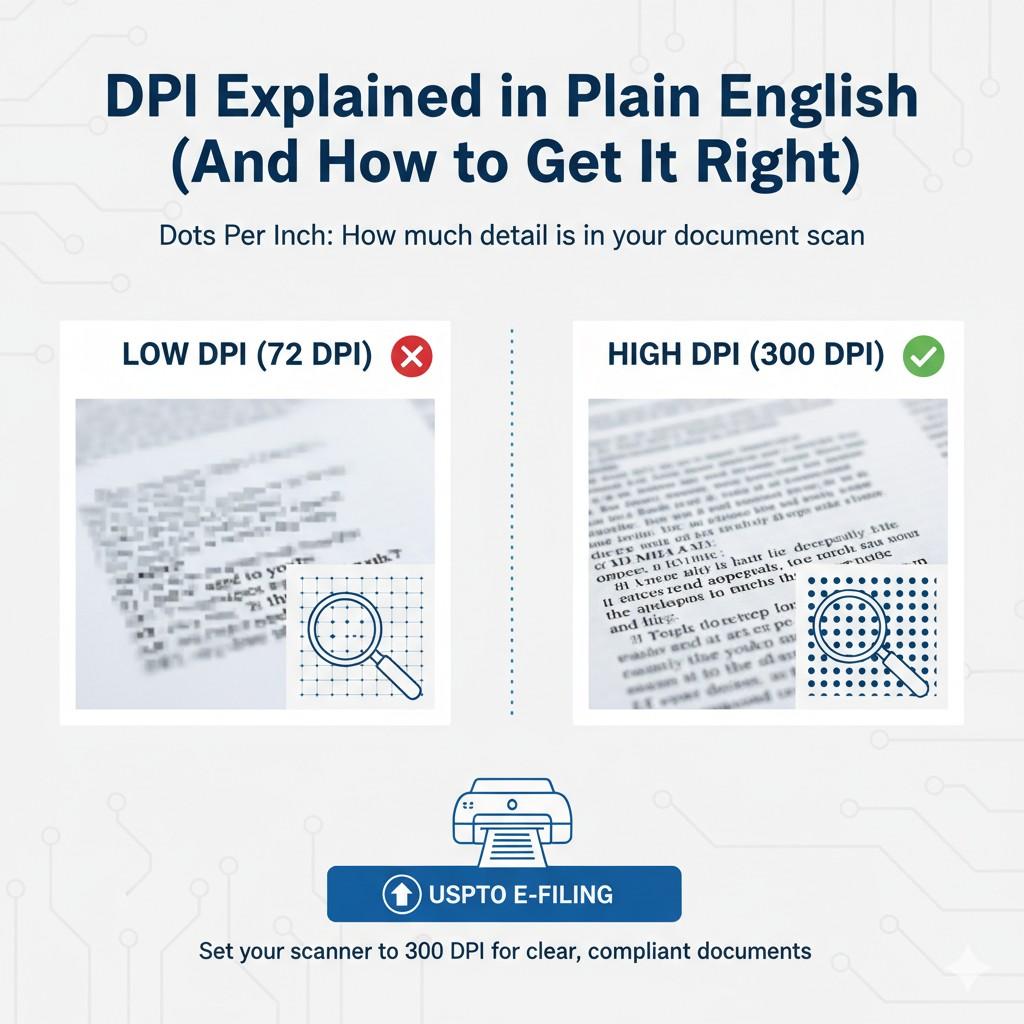
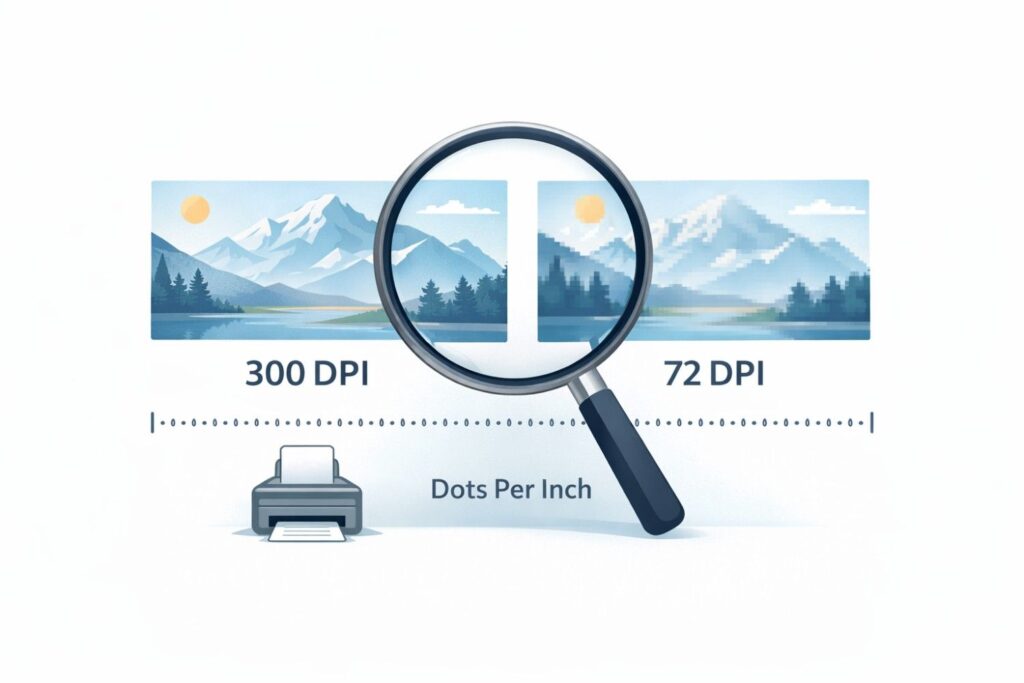
DPI means dots per inch. That sounds abstract, but here is the simple idea. DPI controls how much detail fits into a single inch of your page. Higher DPI means more detail. Lower DPI means less detail.
When DPI is too low, text and drawings look fuzzy when zoomed or printed. When DPI is too high, file sizes explode and systems struggle to process them. The USPTO sets limits to keep everything readable and manageable.
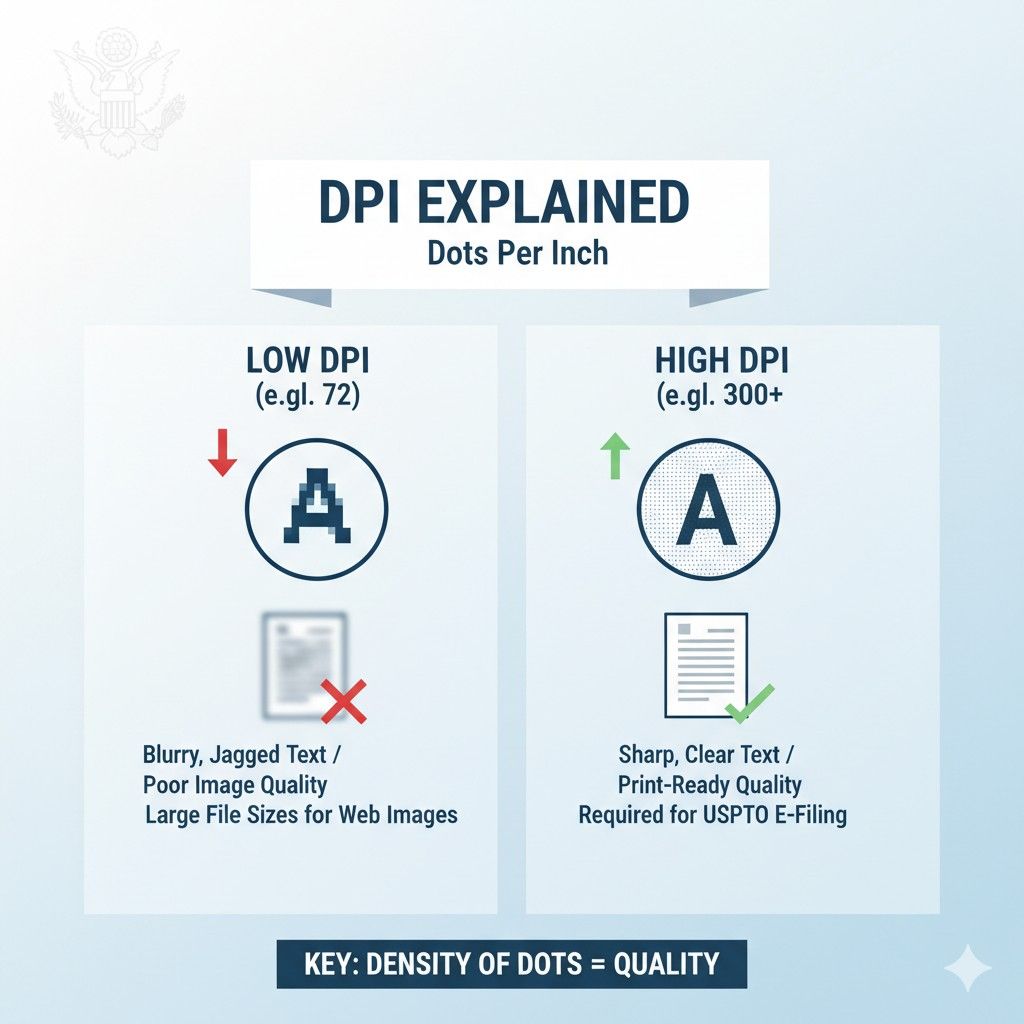
For businesses, the key takeaway is that DPI is not about making things pretty. It is about making things stable and predictable across systems you do not control.
Why Examiners Care About DPI So Much
Patent examiners do not read your application once. They zoom in. They zoom out. They compare drawings side by side. They print pages. They annotate digitally.
If your DPI is wrong, these actions become painful. A diagram that looks fine at first glance may turn into a blur when zoomed. Small labels may vanish. Thin lines may break.
The USPTO wants to remove this friction. They want every examiner to see the same thing clearly, no matter how they view it. That is why DPI rules are enforced at upload.
A smart business move is to test your PDF the same way an examiner would. Zoom into your drawings until you can see individual pixels. If anything looks unclear, fix it before filing.
DPI and Drawings Are Tightly Linked
Most DPI problems show up in drawings, not text. Flowcharts, system diagrams, block diagrams, and UI screenshots are the usual culprits.
Founders often copy images from design tools, slide decks, or internal docs. Those images are rarely created with patent filing in mind. They may look sharp on a screen but fall apart in a PDF.
The USPTO expects drawings to be clear, clean, and consistent. That means lines should stay solid when zoomed. Text inside drawings should remain readable. Nothing should rely on color to convey meaning.
An actionable habit is to recreate important diagrams specifically for patent use. Use simple shapes, strong contrast, and clear spacing. Treat drawings as legal diagrams, not marketing visuals.
DPI Mistakes That Trigger Rejections
Some DPI issues cause automatic problems during upload. Others sneak through and cause trouble later.
Images that are scanned at low resolution often fail. Screenshots pasted directly into documents often fail. PDFs created by compressing files too aggressively often fail.
The danger is that these issues are not always obvious. A file may open fine on your laptop but fail USPTO checks or degrade when processed.
Businesses should avoid last-minute PDF generation. Generate the PDF early, review it carefully, and regenerate if needed. Time pressure is when DPI mistakes happen.
DPI Is Not Just an Image Setting
Many people think DPI only applies to images. In patent filings, it affects the entire document. How text is embedded, how images are placed, and how the PDF is rendered all matter.
Some tools export PDFs that look correct but embed images incorrectly. Others flatten text into images, which creates DPI issues you cannot fix later.
This is where many startups lose time. They rely on general-purpose tools that were not built for legal filings.
Using patent-focused tools or workflows matters. Platforms like PowerPatent are designed to handle DPI correctly from the start, so you do not discover problems at the worst possible moment.
You can see how that works here: https://powerpatent.com/how-it-works
How DPI Affects File Size Without You Noticing
Higher DPI increases file size fast. A single high-resolution image can push your PDF over size limits. When teams panic, they compress everything, which destroys clarity.
The USPTO wants a balance. Clear enough to read. Small enough to store and process.
For businesses, the goal is controlled clarity. Do not overshoot resolution. Do not crush files to save space. Aim for consistency across pages.
A practical step is to check file size after adding each major diagram. If size jumps unexpectedly, that image likely has DPI issues.
DPI Problems Can Hurt You Years Later
Even if a low-quality image slips through, it can come back to hurt you. During enforcement, licensing, or due diligence, unclear drawings weaken your position.
Investors and acquirers review patents closely. Blurry figures raise questions. Clean, readable filings build confidence.
This is why DPI should be treated as part of IP quality, not just compliance. High-quality filings signal that your company takes protection seriously.
Getting DPI Right Without Slowing Down
Most teams do not want to become DPI experts. They just want to file correctly and move on.
The best approach is to standardize. Use the same tools. Use the same export settings. Use the same review process every time.
Or better yet, use a system where DPI is handled for you. PowerPatent combines software checks with real attorney review so these details do not become your problem.
That lets you move fast without cutting corners. Learn more here: https://powerpatent.com/how-it-works
The next section will break down fonts and file size, and explain why small choices there can quietly delay your filing if you are not careful.
Fonts, File Size, and the Hidden Rules That Delay Filings
Fonts and file size sound harmless. Most founders assume this is the easy part. Pick a normal font, export a PDF, upload, done. In reality, this is where many filings quietly break.
Not because the invention is weak, but because the document does not behave the way the USPTO expects.
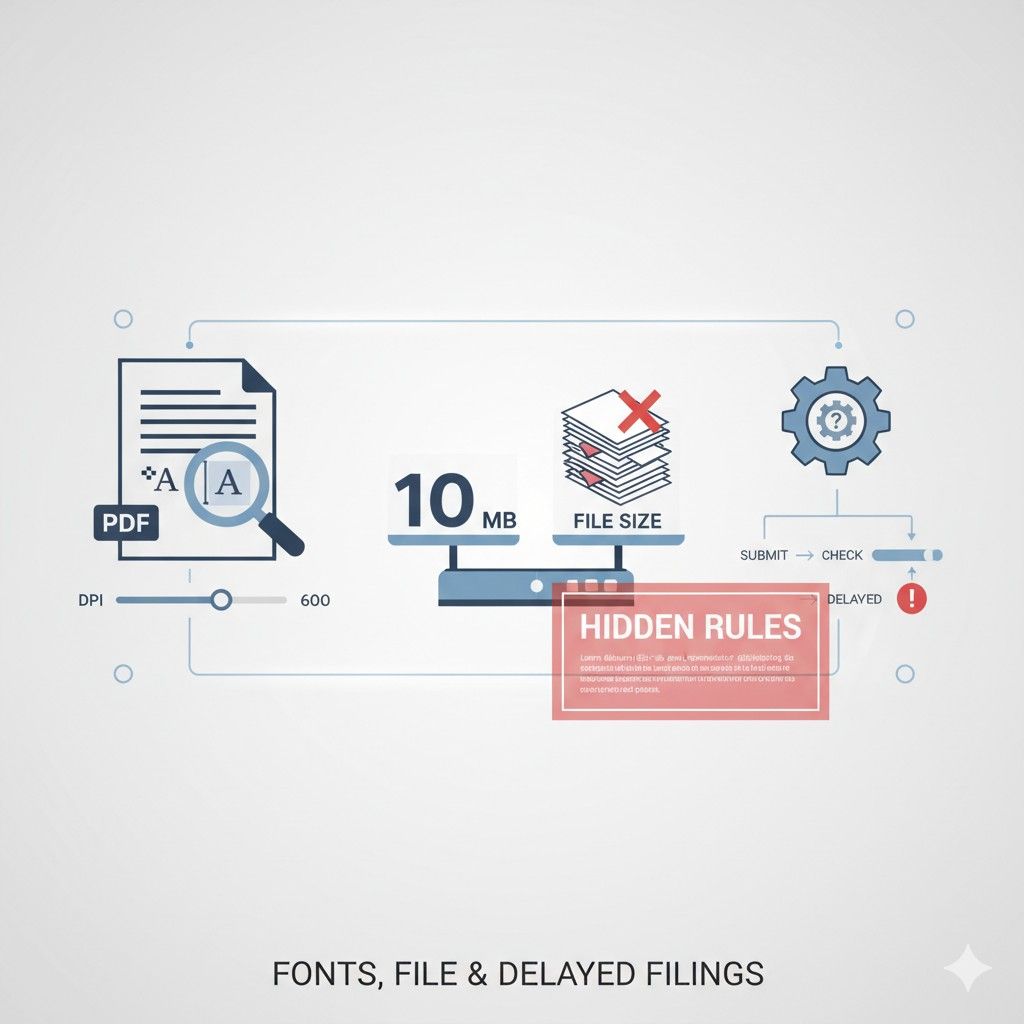
The USPTO treats fonts and file size as structural elements. They affect how text is read, stored, searched, and preserved. When these elements are wrong, the system does not bend. It stops.
Why Fonts Matter More Than You Think
Fonts are not decoration in a patent. They are data. The USPTO needs to be able to read your text accurately today and many years from now.
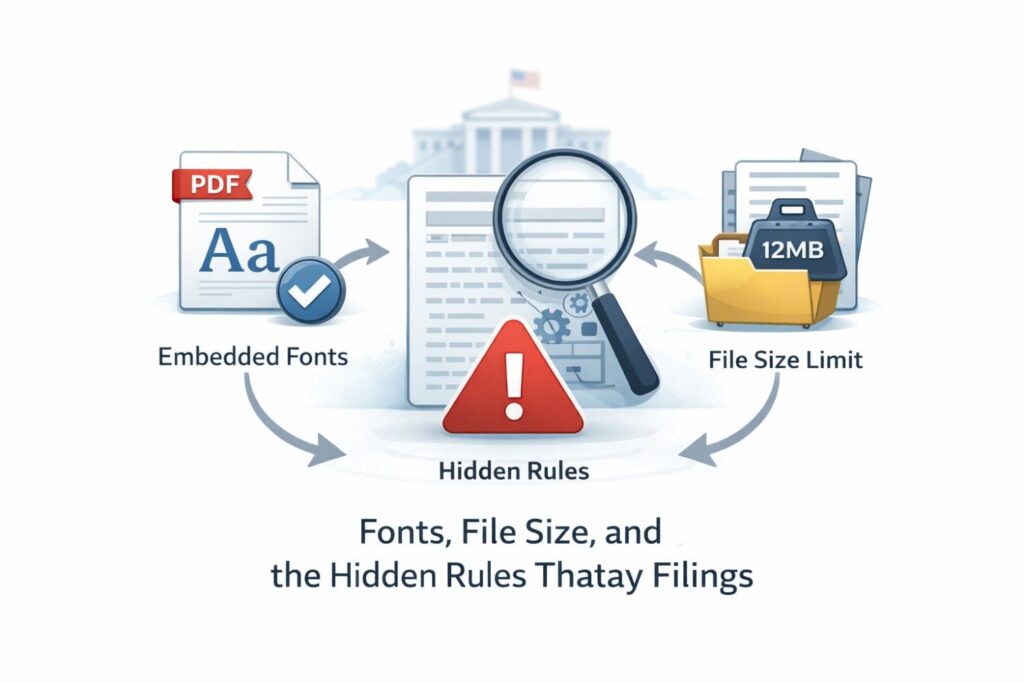
Some fonts rely on external files. Some change shape depending on software. Some do not embed cleanly into PDFs. When that happens, text can shift, overlap, or disappear when the file is opened on a different system.
The USPTO blocks this by allowing only safe, standard fonts that behave the same everywhere. This is not about style. It is about certainty.
For businesses, the safest move is to avoid custom or branded fonts entirely in patent documents. Your brand voice does not live in a patent. Clarity does.
How Font Issues Actually Show Up
Font problems are sneaky. Your document may look perfect on your screen. But when the USPTO system processes it, text may reflow. Line breaks may move. Page numbers may shift.
This matters because patents are cited by line and paragraph. If spacing changes, it creates confusion. Confusion creates disputes.
A practical habit is to open your final PDF on multiple devices and zoom levels. If anything moves, that font is a risk.
Embedded Fonts Are Not Optional
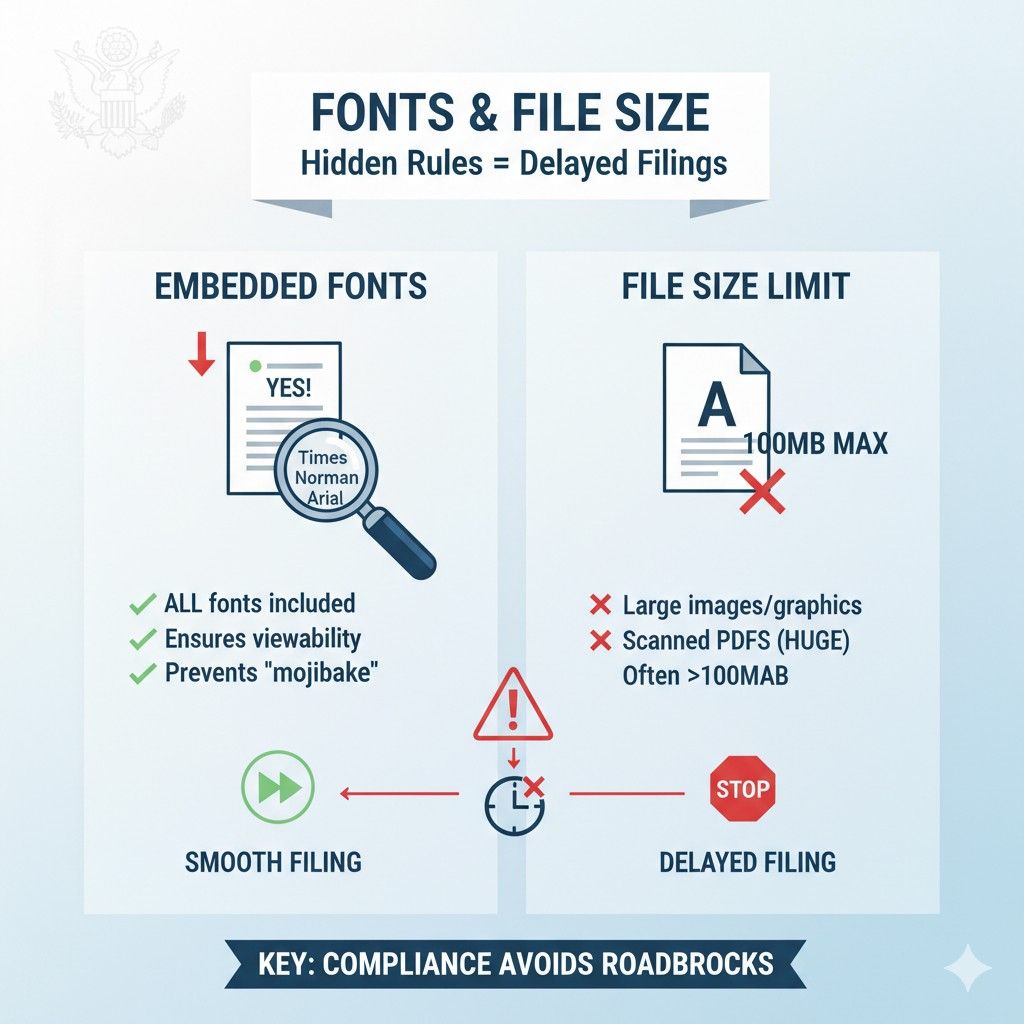
One of the most common silent errors is failing to embed fonts. If a font is not embedded, the system substitutes it. That substitution can change spacing and layout.
The USPTO expects fonts to be embedded so the document always renders the same way. If they are not, your filing may be flagged or rejected.
Businesses should always check PDF properties before filing. Confirm that fonts are embedded. If you do not know how to check, that is a signal that your tool may not be right for patent work.
Fonts and Examiner Trust
Examiners are human. When they open a document and see strange spacing, uneven text, or odd symbols, it creates doubt. They may wonder if other parts of the filing are sloppy too.
Clean, standard fonts create a smooth reading experience. Smooth reading keeps attention on substance instead of form.
This is a subtle advantage, but over many interactions, it matters. Professional presentation builds credibility.
File Size Is a Gatekeeper
File size limits are enforced automatically. If your PDF is too large, it will not upload. There is no appeal. There is no explanation. It simply fails.
Large file sizes usually come from images. High-resolution screenshots, layered diagrams, and copied graphics are the usual causes.
The USPTO limits file size to protect system performance and storage. They process millions of documents. Every extra megabyte adds cost and complexity.
For businesses, this means file size should be monitored from the start, not at the end.
How Teams Accidentally Create Huge Files
Most oversized PDFs are not intentional. They happen when images are copied from tools that store extra data. Design software often embeds layers, metadata, and color profiles you do not need.
Scanning documents at very high resolution is another common cause. What feels safe often overshoots what is useful.
The danger is that teams only discover the problem at upload time. Under pressure, they compress aggressively and ruin clarity.
A better approach is to control image quality early. Use simple diagrams. Avoid screenshots when possible. Rebuild visuals cleanly.
Compression Can Hurt You If Used Blindly
Compression tools promise smaller files, but they do not understand patent requirements. They may flatten text into images or reduce resolution below acceptable levels.
The USPTO does not care how you got under the size limit. They care whether the content is clear and compliant.
Businesses should never use random online compressors for patent filings. These tools are built for convenience, not legal accuracy.
If compression is needed, it should be done carefully and tested thoroughly.
File Size and Long-Term Value
Even if a large file slips through, it can cause problems later. Large files are slower to review, harder to share, and more annoying for partners and investors to open.
During due diligence, patents are often reviewed quickly. Friction matters.
Clean, reasonably sized PDFs reflect discipline. They signal that the company knows how to execute details, not just ideas.
Fonts, File Size, and Speed
One of the biggest myths is that caring about fonts and file size slows you down. In reality, ignoring them causes delays.
Fixing a rejected filing costs far more time than doing it right once. Rushed corrections are stressful and expensive.
Businesses that file often build repeatable systems. They do not reinvent formatting every time.
This is where modern tools make a real difference. PowerPatent is designed to handle font embedding, file size limits, and formatting checks automatically, with real patent attorneys reviewing before anything is filed.
That means fewer surprises and faster filings. You can explore how it works here: https://powerpatent.com/how-it-works
Small Details Protect Big Ideas
Fonts and file size feel small, but they protect something big. They protect clarity. They protect enforceability. They protect the future value of your invention.
When these details are right, nobody notices. When they are wrong, everything slows down.
Strong businesses respect this and build processes that make compliance automatic.
The next section will connect all of this together and show how to build a simple, repeatable PDF workflow that does not steal time from building your product.
Wrapping It Up
By now, one thing should be clear. The USPTO is not obsessed with PDFs for no reason. The rules around DPI, fonts, and file size exist because your patent is not a short-term document. It is a long-term asset. The format you file today affects how your invention is read, protected, and enforced years from now. For businesses, the real risk is not misunderstanding one rule. The real risk is treating PDF preparation as an afterthought. That is when filings get delayed, corrected, or weakened. Not because the invention is flawed, but because the document failed to hold up.